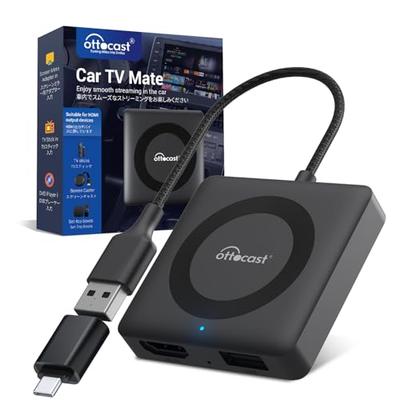
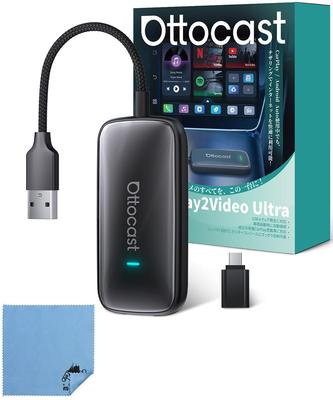
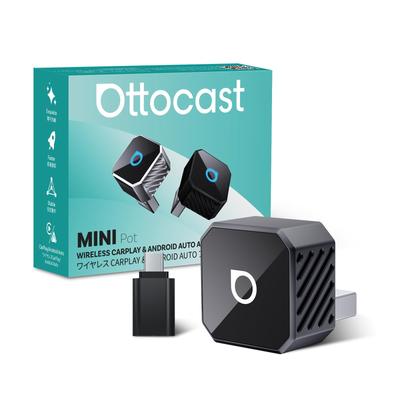
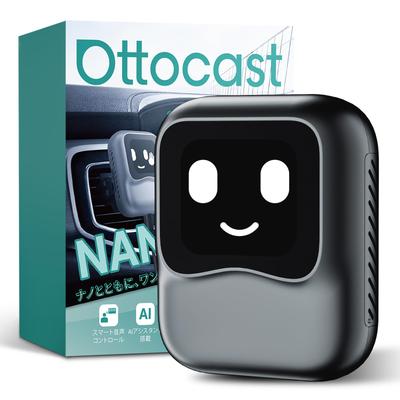
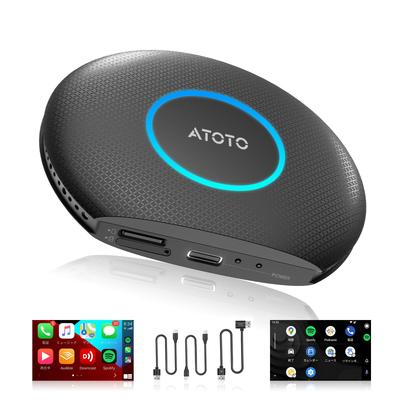
[Ottocast OttoAibox P3] After repeated improvements and testing, Ottocast's new OttoAibox P3 CarPlay AI Box is here! It's based on Android 12 and features a Qualcomm Snapdragon 6125 octa-core 2.0GHz processor. Popular Japanese apps like TVER, ABEMA, Disney+, and Yahoo! Car Navigation are pre-installed, eliminating the need for additional downloads. In addition to 5:5 split-screen, the long-awaited 3:7 and 7:3 screen ratios are now available. You can also add your favorite widgets to create a convenient, personalized home screen.
Stylish and Highly Customizable: The Otto Aibox P3 features ambient lighting, breathing light, gradient light, music rhythm light, and more, adding a touch of elegance to your car. Its user-friendly design makes it seamless and efficient. It also displays what's happening in the Control Center. You can also change the fixed menu bar to the left or right. Add your favorite widgets to customize your home screen.
[Equipped with an HDMI output port for versatile applications] The HDMI output port allows rear seat monitoring. By connecting this product to the rear seat monitor with an HDMI cable, you can get directions from your car navigation system and watch videos on the rear seat monitor. This will keep your passengers comfortable and entertained even on long road trips. This will be an essential companion when traveling with children or family. You can also watch video apps on your TV at home, or even outdoors with an HDMI cable. Please note that not all video playback apps are compatible with the rear seat monitor.
[Compatible Vehicles] The P3 is compatible with over 800 vehicles equipped with wired CarPlay. Before purchasing, please check whether your original display itself has wired CarPlay functionality. To check if your vehicle supports CarPlay: 1. Check if the CarPlay icon is displayed on the original display. 2. Plug your iPhone into the original USB port using the original cable. If the "Use CarPlay" message appears on the iPhone, your original display is equipped with CarPlay. 3. Ask your car dealer for assistance.
[Note] You can watch YouTube and other videos using this Otto AiBox P3, but you cannot watch TV. Please be aware of this. Also, the HDMI output only supports 1080P 60Hz and 720P 60Hz. When connecting to a rear monitor, please check the monitor's resolution beforehand. *This CarPlay AI Box operates based on CarPlay, so please make sure your car has the CarPlay feature and that the CarPlay feature is activated. If the CarPlay feature is not activated, this product will not work.
[Easy Installation & Micro SD Card Compatible] The Otto Aibox P3 is easy to install; simply connect it to your car's CarPlay-compatible USB port. Simply plug it into a USB port and use tethering or insert a nano SIM card to instantly transform your navigation screen into a tablet. It's also compatible with other vehicles. It also features a microSD card slot for up to 256GB of expandable storage. Download your favorite videos and music to a microSD card and play them anytime. While it generally supports vehicles with factory wired CarPlay from 2016 onward, we cannot guarantee compatibility with all CarPlay-enabled vehicles. Please test the product in your vehicle beforehand.
[Reliable Quality and Support] This product is manufactured by Ottocast, a company with a proven track record in Japan for CarPlay products, and has obtained the Technical Approval (R201-220660). We also have a team of highly knowledgeable technicians on-site, so you can rest assured with our comprehensive support system. The product comes with a one-year warranty, so you can rest assured in case of any issues. If you have any questions about how to use the product, please contact us. We also offer free replacements in the event of a malfunction.
Ottocast OttoAibox P3 Official Ottocast New CarPlay AI Box, Android 12, HDMI Output, 8GB+128GB, Stream YouTube, Netflix, ABEMA, Disney+, and More on Your Car Navigation System, AndroidAuto, CarPlay Wireless Adapter, Android TV Box [Technical Approval Certified]