
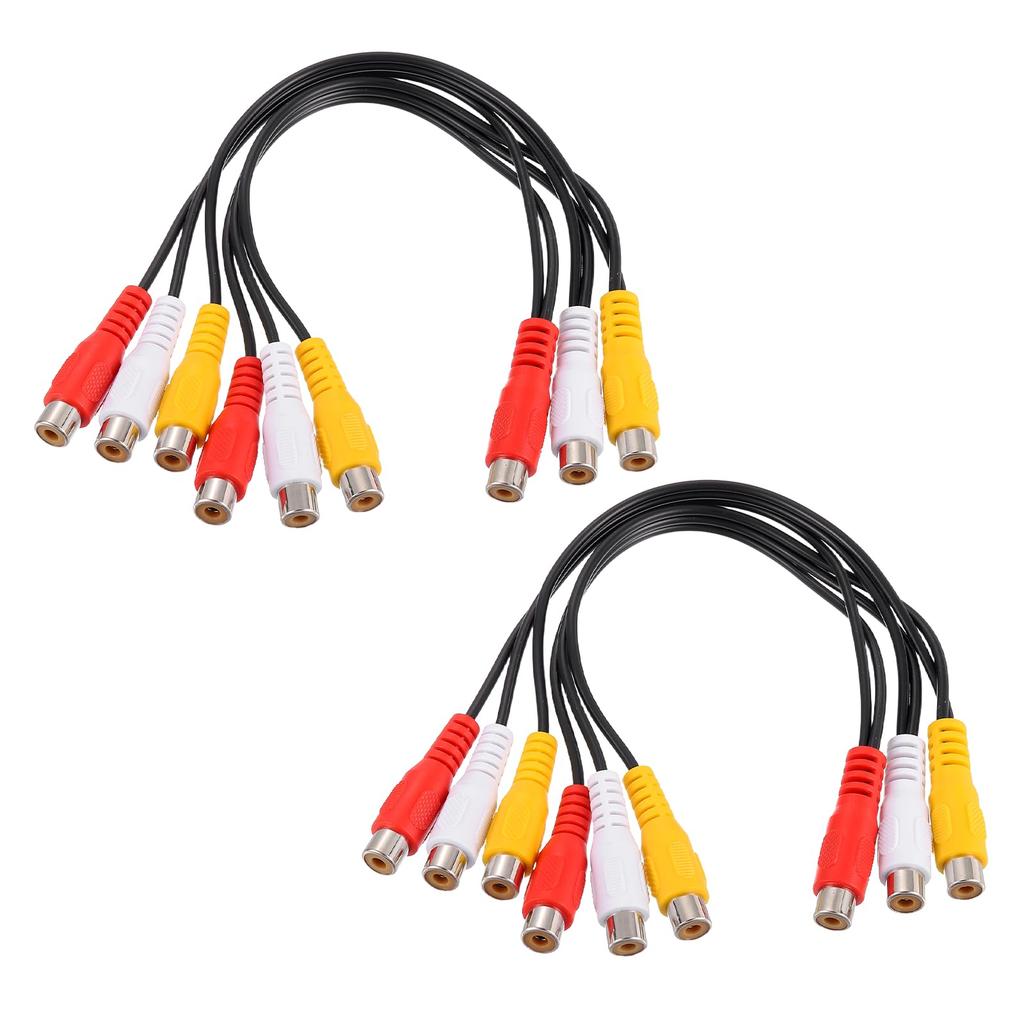
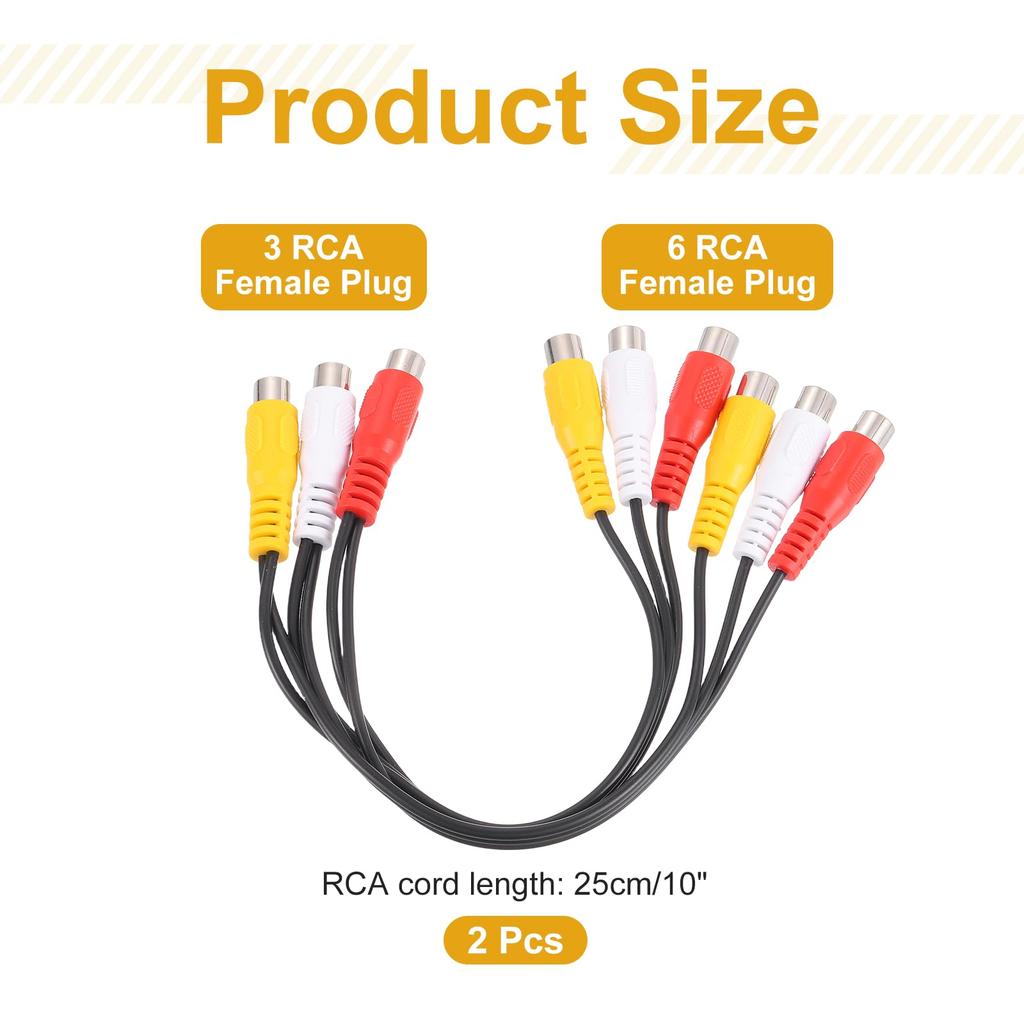
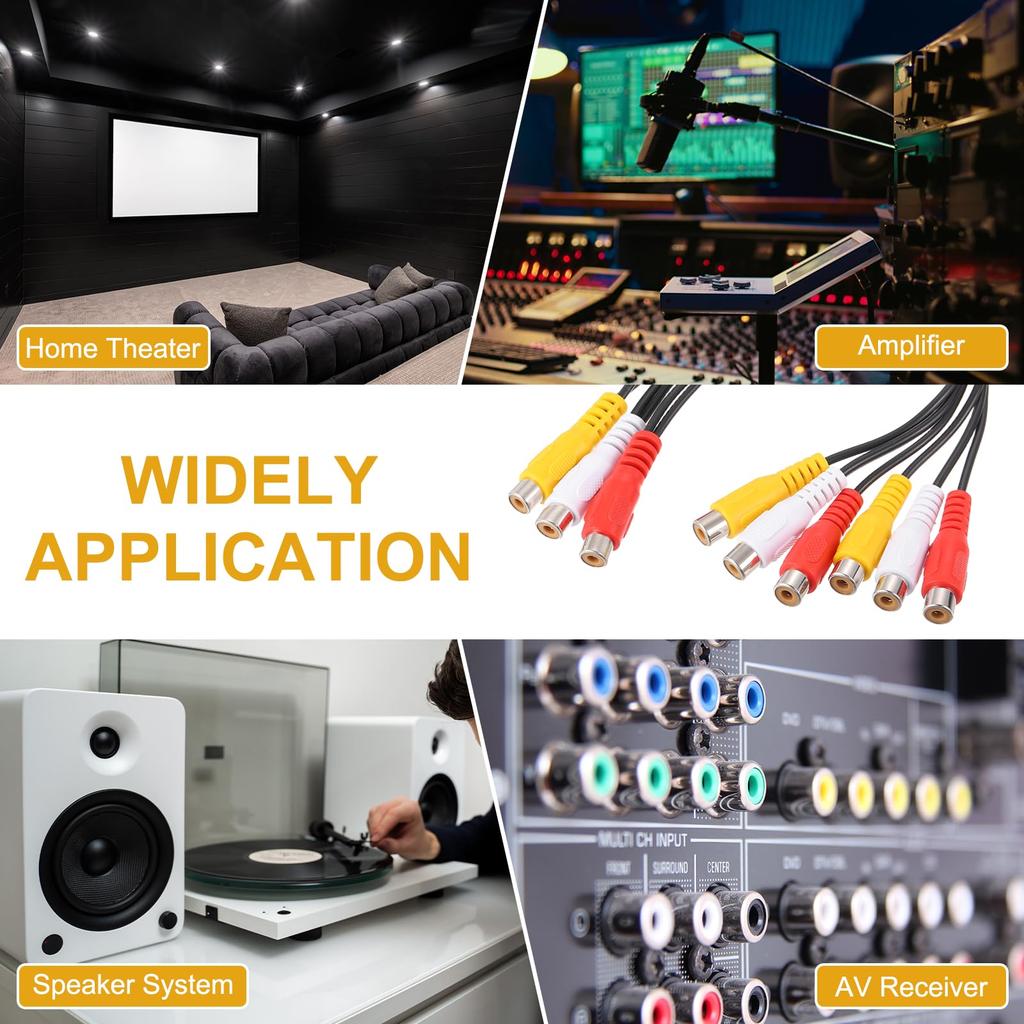
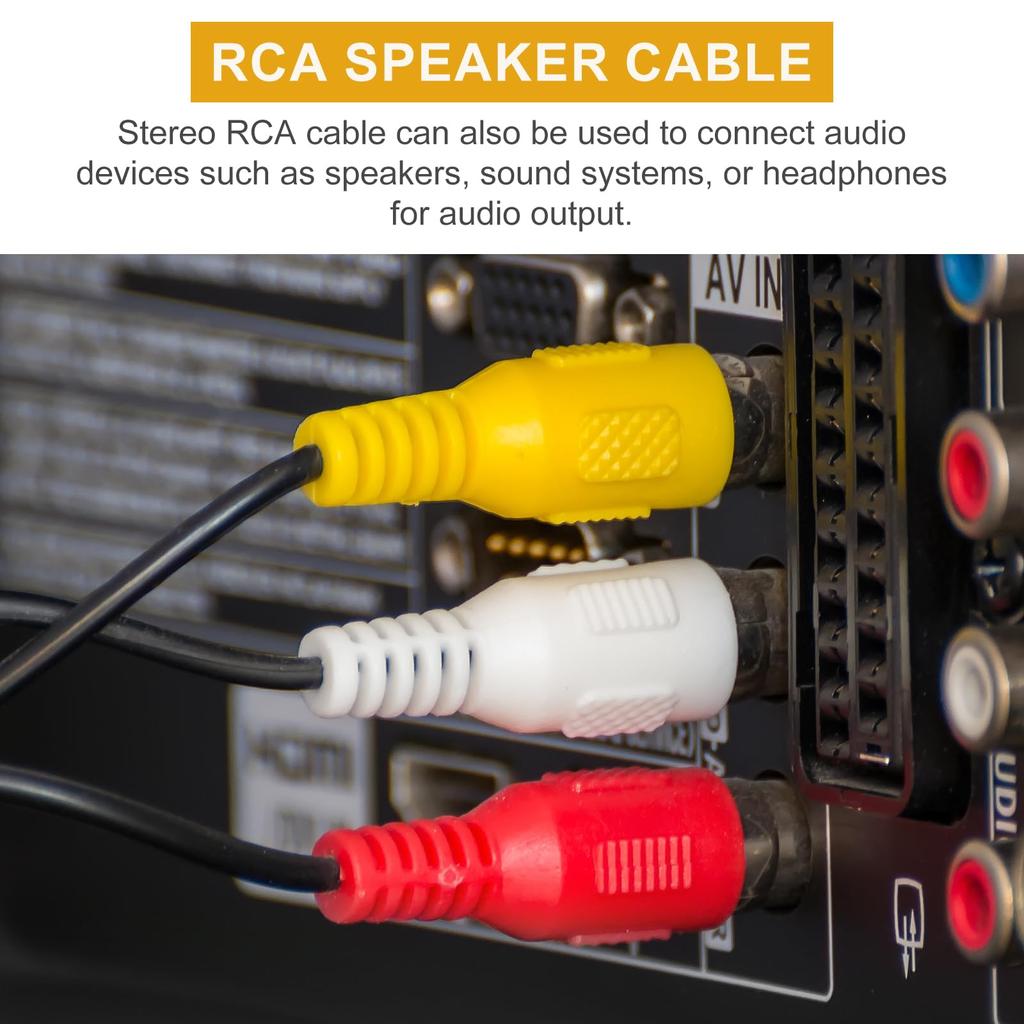
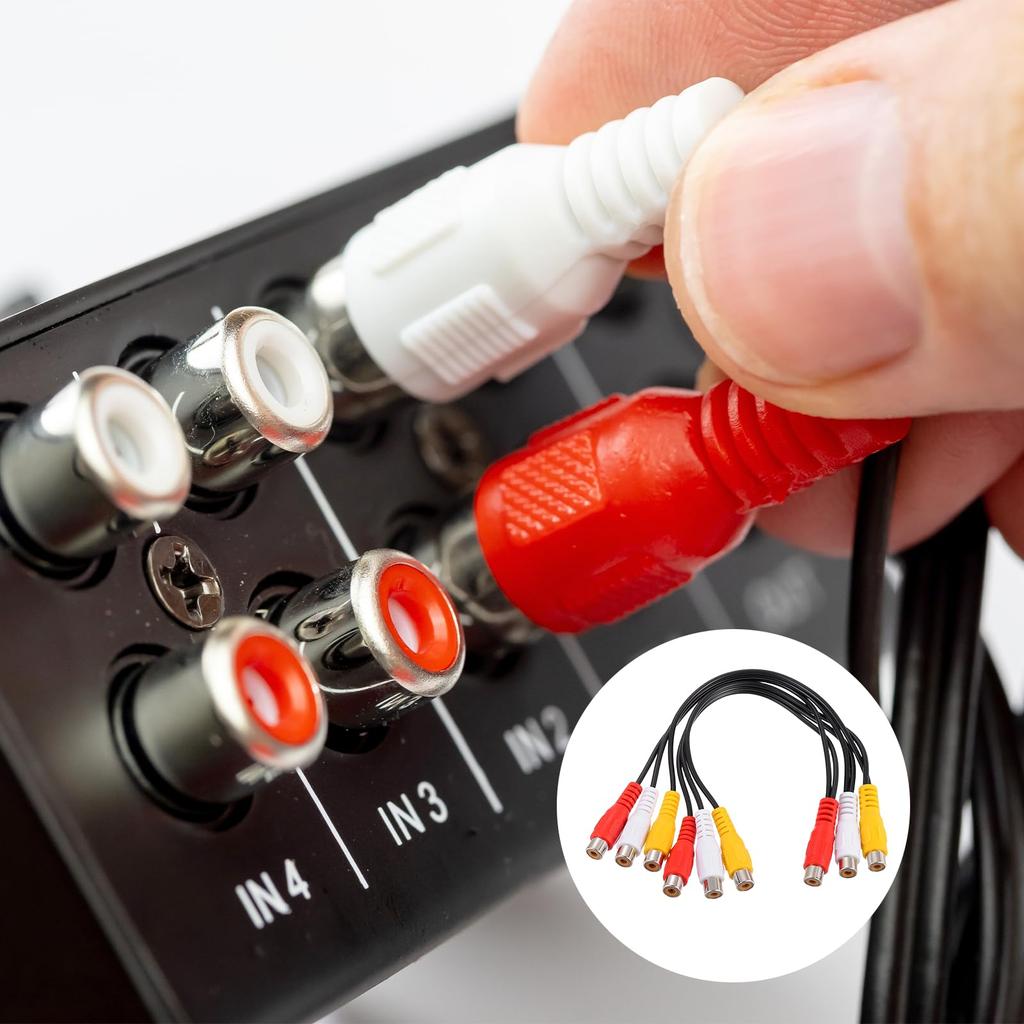
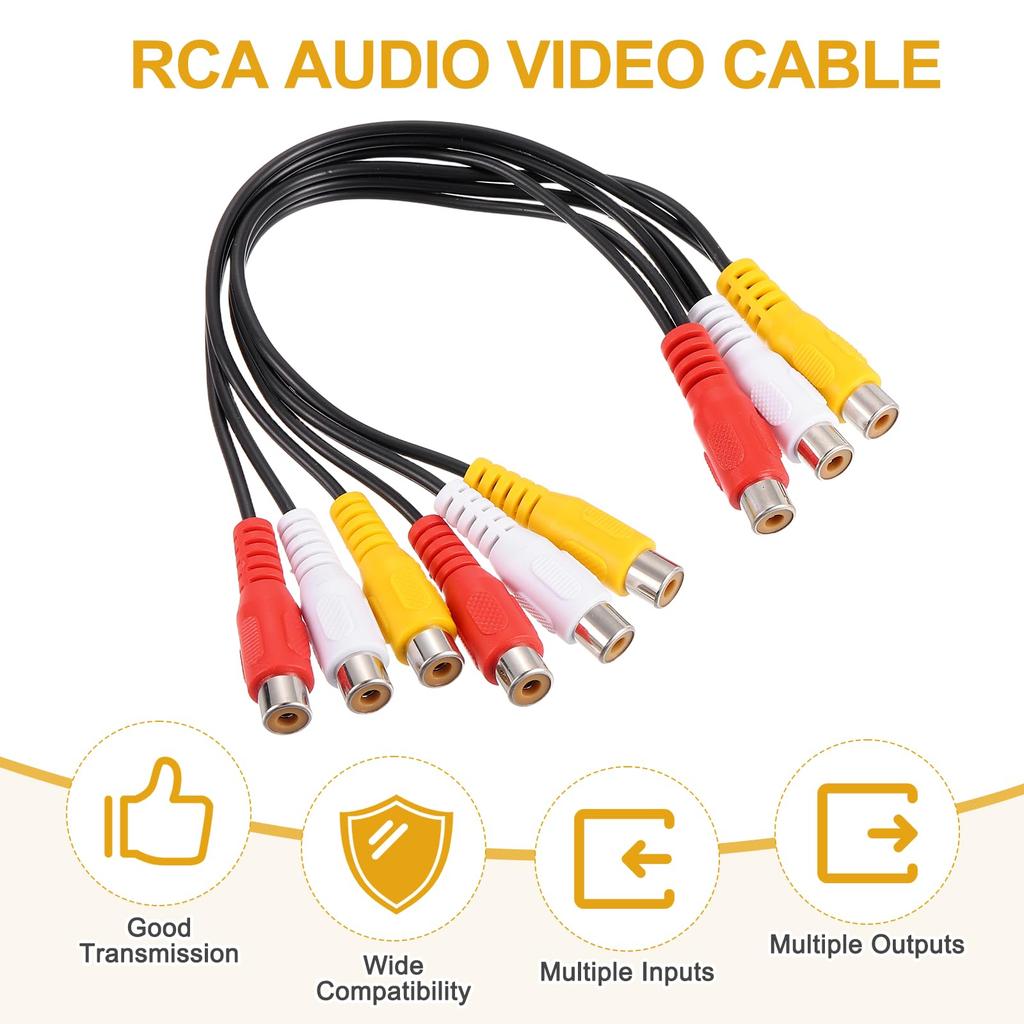
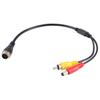
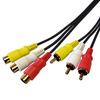
Uxcell AV Audio Video Splitter 3RCA Buchse auf 6RCA Buchsen 25cm Composite Video Splitter Adapter Ausgangskabel 2er-Pack Kabel, Stecker,
- Kompatibel für Samsung Tab S7 S6 Stylus Stift Harte Spitzen Universelle Größe
- Summer Fashionable Breathable Vest Funny Cat 3D Print Men's Tank Tops Comfortable Soft Breathable Leisure Sports O Neck Sleeveless Vest
- Wasservolumenkontrolle Wassernapf Stoppt Hunde vom schnellen Trinken und Erbrechen
- Ice Nine Kills The Laugh Track Animated DC Batman T-Shirt
- Mercury Home Textiles 100% Silk Spring/Autumn Quilt
- MiiOW Men's Spring/Autumn Windproof Casual Sport Jacket
- 1DIN 7Inch MP5 Car Radio Player FM AM RDS Automatic Retractable IPS Touch Screen Wireless CarPlay Android Auto Car Stereo GPS
- -Pack 2D Acryl Musikinstrument für den Weihnachtsaustausch
- Foam Simulation Pumpkin Flowers Fake Plant Halloween Pumpkin Artificial Pumpkin Flower Fall
- Kostenloser Geradliniger Schablonenlineal Schreibschablone Lineal Markierungen Lineal Kalligraphie Vorlage

 Lieferung aus Japan


 Geld zurück bei NichtlieferungQualitätssicherungSicherer VersandDatenschutz
Beschreibung


Fragen zum Produkt
- Welche Zahlungsmethoden gibt es auf Joom?Joom unterstützt viele lokale und internationale Zahlungsmethoden, darunter Debit- und Kreditkarten (Visa, Mastercard, Maestro), PayPal, Apple Pay und Google Pay sowie länderspezifische Optionen wie Klarna, BLIK, Multibanco, MB WAY, SEPA und Giropay. Die verfügbaren Optionen werden dir an der Kasse angezeigt und können je nach Land variieren.
- Kann ich teurere Käufe später oder in Raten bezahlen?Ja. Für viele höherwertige Käufe stehen dir Optionen wie Ratenkauf oder Später Bezahlen (z. B. über Klarna oder Scalapay) zur Verfügung – abhängig von deinem Land, dem Bestellwert und den Bedingungen des Anbieters.
- Kann ich meine Bestellung verfolgen?Ja. Du kannst den Lieferstatus jederzeit in der Joom-App oder auf der Website verfolgen. Er wird fortlaufend aktualisiert, sobald sich deine Sendung bewegt.
- Was passiert, wenn meine Bestellung nicht ankommt?Jede Bestellung ist durch die Joom-Liefergarantie abgedeckt. Sollte deine Bestellung nicht bis zum in den Bestelldaten angegebenen Garantiedatum eintreffen, wende dich an den Joom-Support – wir erstatten dir den vollen Betrag.
- Ist das Bezahlen auf Joom sicher?Ja. Joom nutzt ein sicheres Zahlungssystem. Der Verkäufer erhält sein Geld erst, wenn du deine Bestellung erhalten hast – das sorgt für zusätzlichen Käuferschutz.
- Was passiert, wenn meine Bestellung nicht ankommt oder das Produkt nicht wie erwartet ist?Falls deine Bestellung nicht geliefert wurde, beschädigt ankommt oder nicht der Beschreibung entspricht, wende dich einfach an den Joom-Support. In diesen Fällen erhältst du eine vollständige Rückerstattung.
- Wie beantrage ich eine Rückerstattung?Öffne die entsprechende Bestellseite und kontaktiere das Support-Team in der Joom-App oder auf der Website. Beschreibe das Problem und folge den Anweisungen des Supports.
Bewertungen 30
Ich habe Uxcell AV Audio Video Splitter 3RCA Buchse auf 6RCA Buchsen 25cm Composite Video Splitter Adapter Ausgangskabel 2er-Pack Kabel, Stecker, gekauft und mit Klarna bezahlt, was den Kauf wirklich bequem und sicher gemacht hat. Der Artikel kam in etwa zwei Wochen an und war genau wie abgebildet.
Ich habe Uxcell AV Audio Video Splitter 3RCA Buchse auf 6RCA Buchsen 25cm Composite Video Splitter Adapter Ausgangskabel 2er-Pack Kabel, Stecker, gekauft und mit Klarna bezahlt, was sehr praktisch war. Der Artikel kam in etwa zwei Wochen an und entsprach genau den Fotos.
Ich habe Uxcell AV Audio Video Splitter 3RCA Buchse auf 6RCA Buchsen 25cm Composite Video Splitter Adapter Ausgangskabel 2er-Pack Kabel, Stecker, bestellt und die Liefererfahrung war großartig. Ich konnte in der App sehen, wo sich mein Paket befand, was den ganzen Ablauf viel sicherer wirken ließ.
Ich habe Uxcell AV Audio Video Splitter 3RCA Buchse auf 6RCA Buchsen 25cm Composite Video Splitter Adapter Ausgangskabel 2er-Pack Kabel, Stecker, bestellt und bin sehr zufrieden. Das Produkt entspricht den Bildern, die Qualität ist gut, und es kam in weniger als drei Wochen an.
Ich habe Uxcell AV Audio Video Splitter 3RCA Buchse auf 6RCA Buchsen 25cm Composite Video Splitter Adapter Ausgangskabel 2er-Pack Kabel, Stecker, bestellt und konnte das Paket während der gesamten Lieferung verfolgen. Es kam nach etwa drei Wochen an, und das Produkt entsprach den Fotos sehr gut.
Ich habe Uxcell AV Audio Video Splitter 3RCA Buchse auf 6RCA Buchsen 25cm Composite Video Splitter Adapter Ausgangskabel 2er-Pack Kabel, Stecker, bestellt und es kam in etwa 2–3 Wochen an. Das Produkt sieht genau aus wie auf den Fotos und fühlt sich hochwertig verarbeitet an.
Ich habe Uxcell AV Audio Video Splitter 3RCA Buchse auf 6RCA Buchsen 25cm Composite Video Splitter Adapter Ausgangskabel 2er-Pack Kabel, Stecker, bekommen und bin mit dem Kauf zufrieden. Es kam innerhalb von 2–3 Wochen an und sah genau aus wie auf den Produktbildern.
Ich habe Uxcell AV Audio Video Splitter 3RCA Buchse auf 6RCA Buchsen 25cm Composite Video Splitter Adapter Ausgangskabel 2er-Pack Kabel, Stecker, bekommen und mir hat gefallen, wie transparent der Lieferprozess war. Ich konnte meine Bestellung in der App verfolgen, und der Artikel kam genau wie erwartet an.
Ich habe Uxcell AV Audio Video Splitter 3RCA Buchse auf 6RCA Buchsen 25cm Composite Video Splitter Adapter Ausgangskabel 2er-Pack Kabel, Stecker, bekommen und es war genau das, worauf ich gehofft hatte. Die Lieferung dauerte etwa zwei Wochen, und ich konnte jedes Update in der App verfolgen.
Ich habe Uxcell AV Audio Video Splitter 3RCA Buchse auf 6RCA Buchsen 25cm Composite Video Splitter Adapter Ausgangskabel 2er-Pack Kabel, Stecker, bekommen und mit Klarna bezahlt, was mir ein gutes Sicherheitsgefühl gegeben hat. Die Lieferung war schnell, und der Artikel kam in einwandfreiem Zustand an.
Ich habe Uxcell AV Audio Video Splitter 3RCA Buchse auf 6RCA Buchsen 25cm Composite Video Splitter Adapter Ausgangskabel 2er-Pack Kabel, Stecker, bestellt und alles lief wie erwartet. Mir hat gefallen, dass ich den Lieferstatus direkt in der App verfolgen konnte, und das Paket kam in etwa drei Wochen an.
Ich habe Uxcell AV Audio Video Splitter 3RCA Buchse auf 6RCA Buchsen 25cm Composite Video Splitter Adapter Ausgangskabel 2er-Pack Kabel, Stecker, gekauft und hatte insgesamt eine tolle Erfahrung. Ich habe mit Klarna bezahlt und fühlte mich wohl, weil ich eine einfache Zahlungsoption hatte.
Ich habe Uxcell AV Audio Video Splitter 3RCA Buchse auf 6RCA Buchsen 25cm Composite Video Splitter Adapter Ausgangskabel 2er-Pack Kabel, Stecker, bekommen, aber leider war es nicht das, was ich brauchte, also habe ich eine Rückerstattung beantragt. Der Vorgang war sehr einfach, und ich habe das Geld etwa zwei Stunden nach der Genehmigung der Rückerstattung erhalten.
Ich habe Uxcell AV Audio Video Splitter 3RCA Buchse auf 6RCA Buchsen 25cm Composite Video Splitter Adapter Ausgangskabel 2er-Pack Kabel, Stecker, gekauft und war mit der ganzen Erfahrung zufrieden. Die Lieferung ließ sich einfach in der App verfolgen, und der Artikel kam in etwa zwei Wochen an.
Ich habe Uxcell AV Audio Video Splitter 3RCA Buchse auf 6RCA Buchsen 25cm Composite Video Splitter Adapter Ausgangskabel 2er-Pack Kabel, Stecker, bekommen und bin sowohl mit dem Artikel als auch mit dem Service zufrieden. Alles war leicht verständlich, und die Lieferung war schneller als erwartet.
Ich habe Uxcell AV Audio Video Splitter 3RCA Buchse auf 6RCA Buchsen 25cm Composite Video Splitter Adapter Ausgangskabel 2er-Pack Kabel, Stecker, gekauft und hatte eine wirklich reibungslose Erfahrung. Ich habe mit Klarna bezahlt, die Bestellung in der App verfolgt und den Artikel in etwa zwei Wochen erhalten.
Ich habe Uxcell AV Audio Video Splitter 3RCA Buchse auf 6RCA Buchsen 25cm Composite Video Splitter Adapter Ausgangskabel 2er-Pack Kabel, Stecker, bekommen und die ganze Erfahrung fühlte sich zuverlässig und unkompliziert an. Ich konnte meine Lieferung in der App verfolgen, und der Artikel kam pünktlich und genau wie beschrieben an.
Ich habe Uxcell AV Audio Video Splitter 3RCA Buchse auf 6RCA Buchsen 25cm Composite Video Splitter Adapter Ausgangskabel 2er-Pack Kabel, Stecker, bekommen und alles war genau wie beschrieben. Es kam nach etwa drei Wochen sicher an, und die Qualität ist besser, als ich erwartet hatte.
Ich habe Uxcell AV Audio Video Splitter 3RCA Buchse auf 6RCA Buchsen 25cm Composite Video Splitter Adapter Ausgangskabel 2er-Pack Kabel, Stecker, gekauft und mich leider dazu entschieden, eine Rückerstattung zu wollen. Es zu beantragen war wirklich einfach, und das Geld wurde etwa zwei Stunden nach der Genehmigung zurückerstattet.
Ich habe Uxcell AV Audio Video Splitter 3RCA Buchse auf 6RCA Buchsen 25cm Composite Video Splitter Adapter Ausgangskabel 2er-Pack Kabel, Stecker, bestellt und bin mit meinem Kauf zufrieden. Das Produkt hat eine gute Qualität und sieht genau aus wie auf den Bildern, während die Lieferung nur etwa 2–3 Wochen gedauert hat.
Ich habe Uxcell AV Audio Video Splitter 3RCA Buchse auf 6RCA Buchsen 25cm Composite Video Splitter Adapter Ausgangskabel 2er-Pack Kabel, Stecker, gekauft und bin wirklich zufrieden mit der Qualität. Es kam in etwa zwei Wochen an und sah genau aus wie auf den Bildern.
Ich habe Uxcell AV Audio Video Splitter 3RCA Buchse auf 6RCA Buchsen 25cm Composite Video Splitter Adapter Ausgangskabel 2er-Pack Kabel, Stecker, bestellt und die ganze Erfahrung war problemlos. Die Lieferung dauerte etwa 2–3 Wochen, und ich konnte das Paket ganz einfach in der App verfolgen.
Ich habe Uxcell AV Audio Video Splitter 3RCA Buchse auf 6RCA Buchsen 25cm Composite Video Splitter Adapter Ausgangskabel 2er-Pack Kabel, Stecker, bekommen und war positiv überrascht von der Qualität. Es passte perfekt zu den Fotos und kam schneller an, als ich erwartet hatte.
Ich habe Uxcell AV Audio Video Splitter 3RCA Buchse auf 6RCA Buchsen 25cm Composite Video Splitter Adapter Ausgangskabel 2er-Pack Kabel, Stecker, bekommen und bin sehr zufrieden mit dem Kauf. Die Qualität ist gut, der Artikel sieht aus wie auf den Bildern, und die Lieferung war überraschend schnell.
Ich habe Uxcell AV Audio Video Splitter 3RCA Buchse auf 6RCA Buchsen 25cm Composite Video Splitter Adapter Ausgangskabel 2er-Pack Kabel, Stecker, bestellt und bin wirklich zufrieden damit. Gute Qualität, genaue Fotos und schnelle Lieferung für eine internationale Bestellung.
Ich habe Uxcell AV Audio Video Splitter 3RCA Buchse auf 6RCA Buchsen 25cm Composite Video Splitter Adapter Ausgangskabel 2er-Pack Kabel, Stecker, bestellt und hatte eine sehr positive Erfahrung. Das Paket kam in etwa zwei Wochen an, und die Produktqualität war wirklich gut.
Ich habe Uxcell AV Audio Video Splitter 3RCA Buchse auf 6RCA Buchsen 25cm Composite Video Splitter Adapter Ausgangskabel 2er-Pack Kabel, Stecker, gekauft und alles fühlte sich sicher an, von der Zahlung bis zur Lieferung. Ich habe Klarna genutzt und war froh, wie einfach der ganze Kauf war.
Ich habe Uxcell AV Audio Video Splitter 3RCA Buchse auf 6RCA Buchsen 25cm Composite Video Splitter Adapter Ausgangskabel 2er-Pack Kabel, Stecker, gekauft und der Rückerstattungsprozess war viel einfacher, als ich erwartet hatte. Ich habe den Antrag problemlos eingereicht und die Rückerstattung etwa zwei Stunden nach der Genehmigung erhalten.
Ich habe Uxcell AV Audio Video Splitter 3RCA Buchse auf 6RCA Buchsen 25cm Composite Video Splitter Adapter Ausgangskabel 2er-Pack Kabel, Stecker, bestellt und bin wirklich zufrieden mit der Erfahrung. Der Artikel kam in 2–3 Wochen an, und es gab keinen Unterschied zwischen den Fotos und dem tatsächlichen Produkt.
Ich habe Uxcell AV Audio Video Splitter 3RCA Buchse auf 6RCA Buchsen 25cm Composite Video Splitter Adapter Ausgangskabel 2er-Pack Kabel, Stecker, gekauft und die Qualität ist für den Preis ausgezeichnet. Es kam in etwa zwei Wochen an und sieht genauso aus wie online.
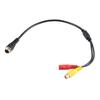



![[M12 4-Pin Stecker auf 1x RCA, 1x DC] M12 4-Pin Stecker Aviation Connector](https://img.joomcdn.net/b85f996402031891c91c09522eb649083ba8ad36_100_100.jpeg)
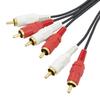

![AV-Vorverstärkerausgang-Verlängerungskabel mit Cinch-Anschluss für externen Eingang, Kompatibel mit Kenwood KNA-17AV [Importierte Version]](https://img.joomcdn.net/7bb80c2caac4386a388060096eee52601f1303a6_100_100.jpeg)
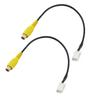

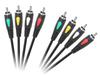


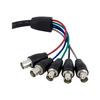

Uxcell AV Audio Video Splitter 3RCA Buchse auf 6RCA Buchsen 25cm Composite Video Splitter Adapter Ausgangskabel 2er-Pack Kabel, Stecker, — günstig online bei Joom kaufen
Verfügbare Farben:
Hochwertige Materialien:
Breite Größentabelle:
Rabatte von bis zu 70 %!
Bewertungen für ähnliche Produkte
Lieferung in ganz Europa, die GUS, Israel und Australien
Ein internationales Sortiment
Rückerstattungen für berechtigte Bestellungen und Kundensupport rund um die Uhr
Rabatt auf den ersten Einkauf für Neukunden