------------------------------------------------------------------------------------------------------------------
【Voltage Compatibility】
When using electrical appliances, please note that they are designed for Japanese voltage specifications (90-110V), so if you use them with a different voltage, it may cause a malfunction.
【Plug Type】
Our products use Japanese plug types (A or B type).
Please use a conversion adapter if necessary.
【Important Note on Transformers and Adapters】
A transformer adjusts voltage to match your device’s requirements.
A conversion adapter only changes the plug shape and does not adjust voltage.
Using only a conversion adapter without a transformer may result in damage to the product.
【Liability】
We are not responsible for malfunctions or damages caused by improper use, such as operating the product without a transformer.
------------------------------------------------------------------------------------------------------------------
[Compatibility Check] Please check the model of your console before ordering. This cooling fan is compatible with both the disc and digital versions of the PS5 SLIM (supports both vertical and horizontal orientations). It is compatible with the 2023 CFI-2000B01/2000A01 and the 2025 CFI-2200B01 models, but not with the 2020 CFI-1200A01 model or the 2024 CFI-7000B01 model.
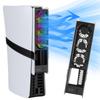
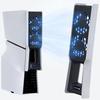
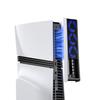
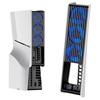
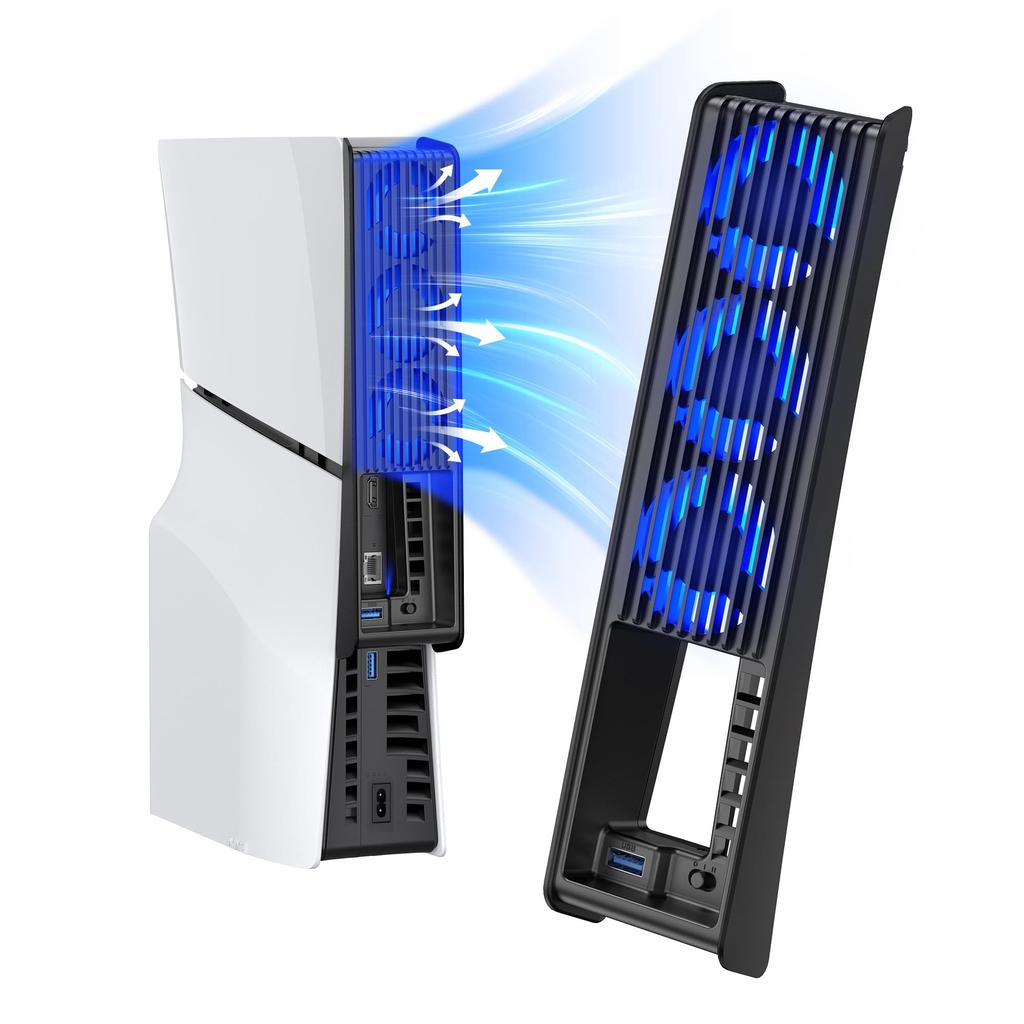
【High-Efficiency Cooling Fan】The KIWIHOME cooling fan for PS5 Slim consists of three hydraulic cooling fans with large blades, effectively dissipating heat from the console and supporting the cooling and smooth operation of the PS5 Slim. *Not compatible with the 2020 model PS5 and PS5 Pro.
【Automatic Temperature Detection】The KWIIHOME PS5 cooling fan has three settings: OFF, Uniform Speed, and Variable Speed (Automatic). In automatic mode, the fan speed is automatically adjusted according to the temperature of the PS5 Slim console, maintaining ideal operating conditions. When set to 'I' or 'II', the fan will automatically turn on/off according to the PS5 Slim, eliminating the need to manually turn it on each time.
[USB 3.0 Equipped] The official PS5 cooling fan is equipped with an additional USB 3.0 port, which does not occupy the original USB port on the new PS5 Slim console, allowing you to connect PS5 peripherals such as controllers, headsets, and U disks.
[Easy Installation & Ambient Light Included] Simply connect it to the USB port on your PS5 Slim, clip it gently onto the top, and press the button to power the cooling fan. For PS5 heat dissipation, the PlayStation 5 Slim fan features LED lights, visually representing the fan's animation and adding a stylish touch to your gaming experience.
The KIWIHOME PS5 Slim console's cooling fan features an optimized design to improve fan noise levels, allowing your console to maintain low noise even during intense gaming sessions.
Product specifications:
1. Compatibility: Compatible with PS5 Slim Digital & Disc Editions.
2. Fan speed: Maximum 5000 ± 10% RPM, Minimum 3500 ± 10% RPM
3. Input: DC 5V 3A
4.Output: DC 5V 1.5A
5.Material: ABS
6. Dimensions: 25.34 x 6.69 x 4.53 cm
7. Weight: 170.6g
8. Color: White/Black/Black White
Instructions for use:
(1) Install the fan
Align the USB plug and elastic lock with the USB-A port and security hole on the PS5 Slim, respectively, and insert them parallel to each other.
(2) Use a fan
When you power on your PS5 Slim, the fan power indicator will stay lit, indicating that the fan is powered on, and the USB female port will function normally. Users can adjust the fan speed switch from off to uniform speed or variable speed (automatic). In automatic mode, the fan speed will adjust according to the PS5 Slim's temperature: it will stop below 39°C, operate at low speed between 39°C and 43°C, and at high speed above 43°C.
To enable the automatic fan start function, do not set the fan to off before turning off the console. Otherwise, the fan will be turned on/off by the console's switch.
(3) Remove the fan.
To ensure an optimal grip, gently hold the product by the bottom. Slowly pull out the USB plug and elastic lock, making sure to separate the product parallel to the PS5 Slim.
Use hints
1. Ensure that the input voltage is a stable standard DC 5V and that this product is properly installed in the PS5 Slim console.
2. If dust enters the fan during use, discontinue use. 3. If you will not be using the product for an extended period, turn the fan switch to the OFF position, or remove it from the unit and store it separately.
4. This product is prohibited from being stored or used in humid environments.
5. If this product is exposed to rain or water, or if it becomes damaged, discontinue use and send it to a professional maintenance department for timely disposal. Do not disassemble it yourself.
6. Do not wipe the product with chemical reagents. Do not press or drop the product.


 Lieferung aus Japan


 Rückerstattung bei Nichtlieferung