---------------------------------------------------
【Condition】
Please check the product description and photos for the condition.
Some items may have not been tested or may show signs of use.
【Included Items】
Accessories are limited to those shown or mentioned in the product description.
Items such as manuals, boxes, or cables are not included unless specifically stated.
【Product Specifications and Firmware】
Some Japanese domestic models may have limited functionality overseas.
Please check compatibility before purchase.
【Voltage Compatibility】
Our products are selected to support international voltage ranges (e.g. 100–240V).
However, please make sure your local voltage is compatible before use, as incorrect voltage may still cause malfunction.
【Plug Type】
Our products use Japanese plug types (A or B type).
Please use a conversion adapter if necessary.
【Important Note on Transformers and Adapters】
A transformer adjusts voltage to match your device’s requirements.
A conversion adapter only changes the plug shape and does not adjust voltage.
Using only a conversion adapter without a transformer may result in damage to the product.
【Liability】
We are not responsible for malfunctions or damages caused by improper use, such as operating the product without appropriate voltage or equipment.
---------------------------------------------------
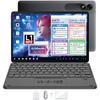
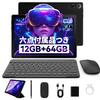
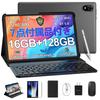
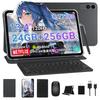
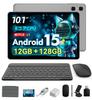
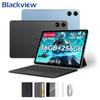
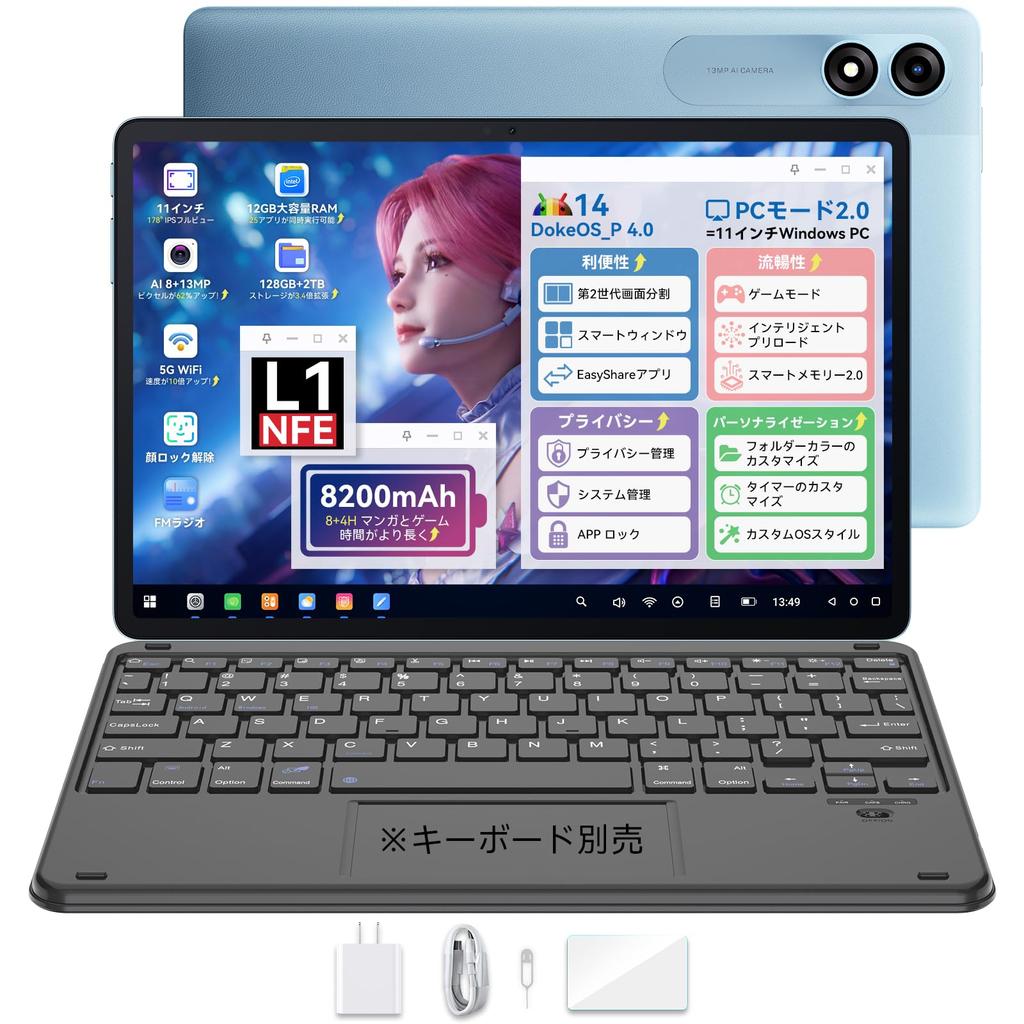
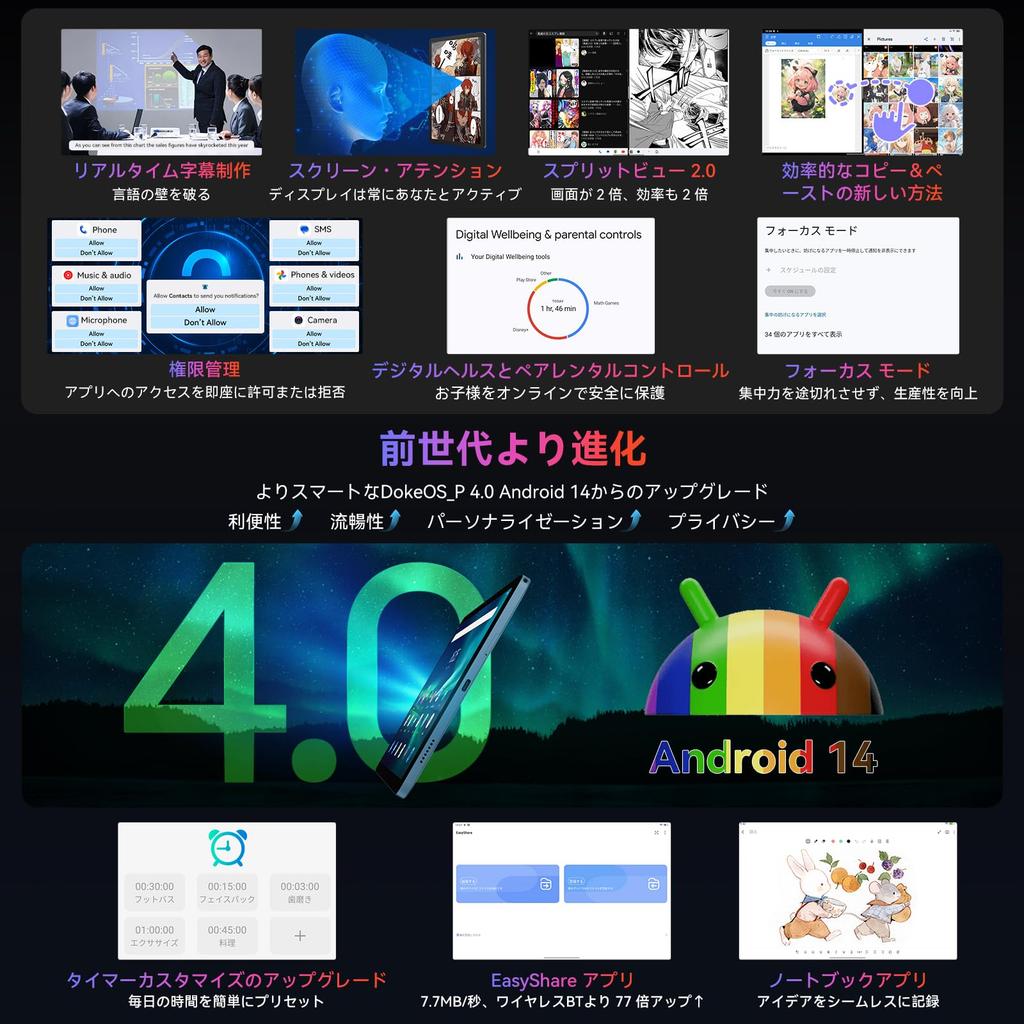
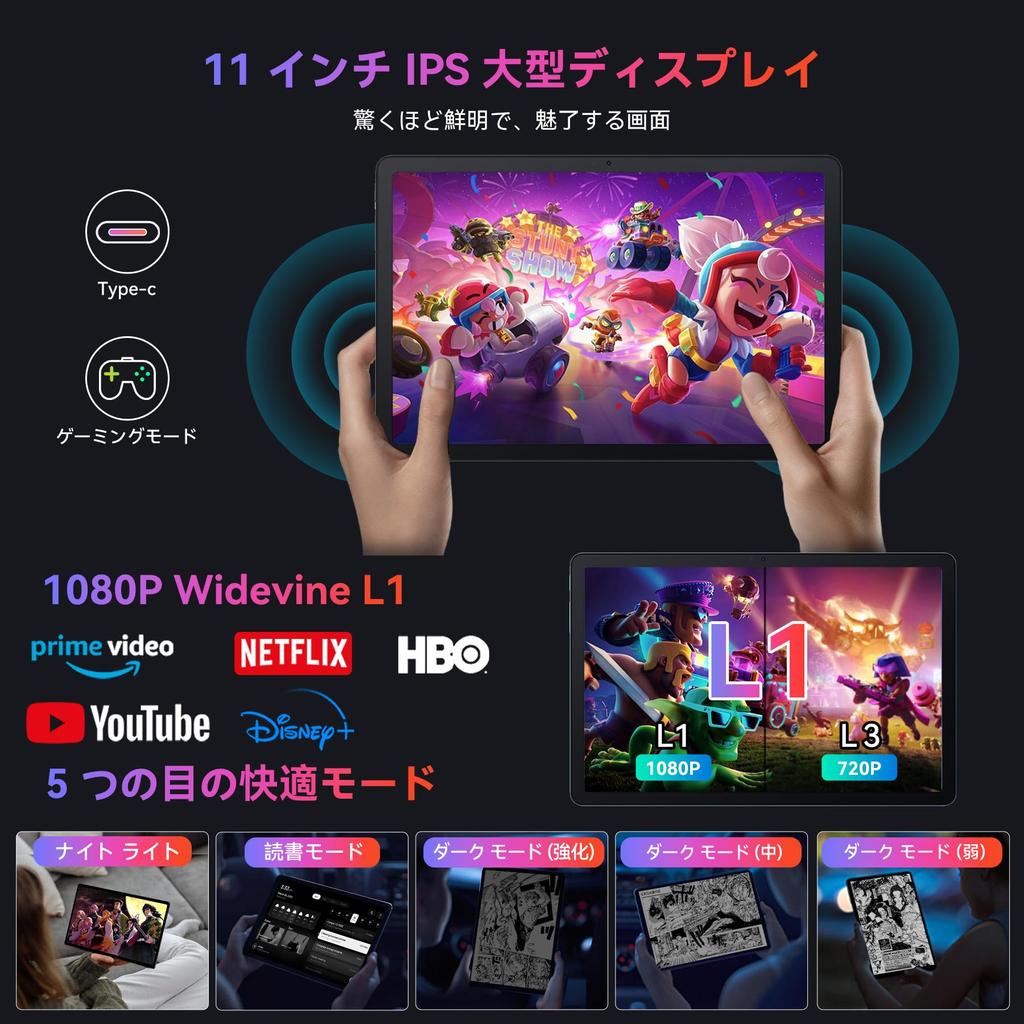
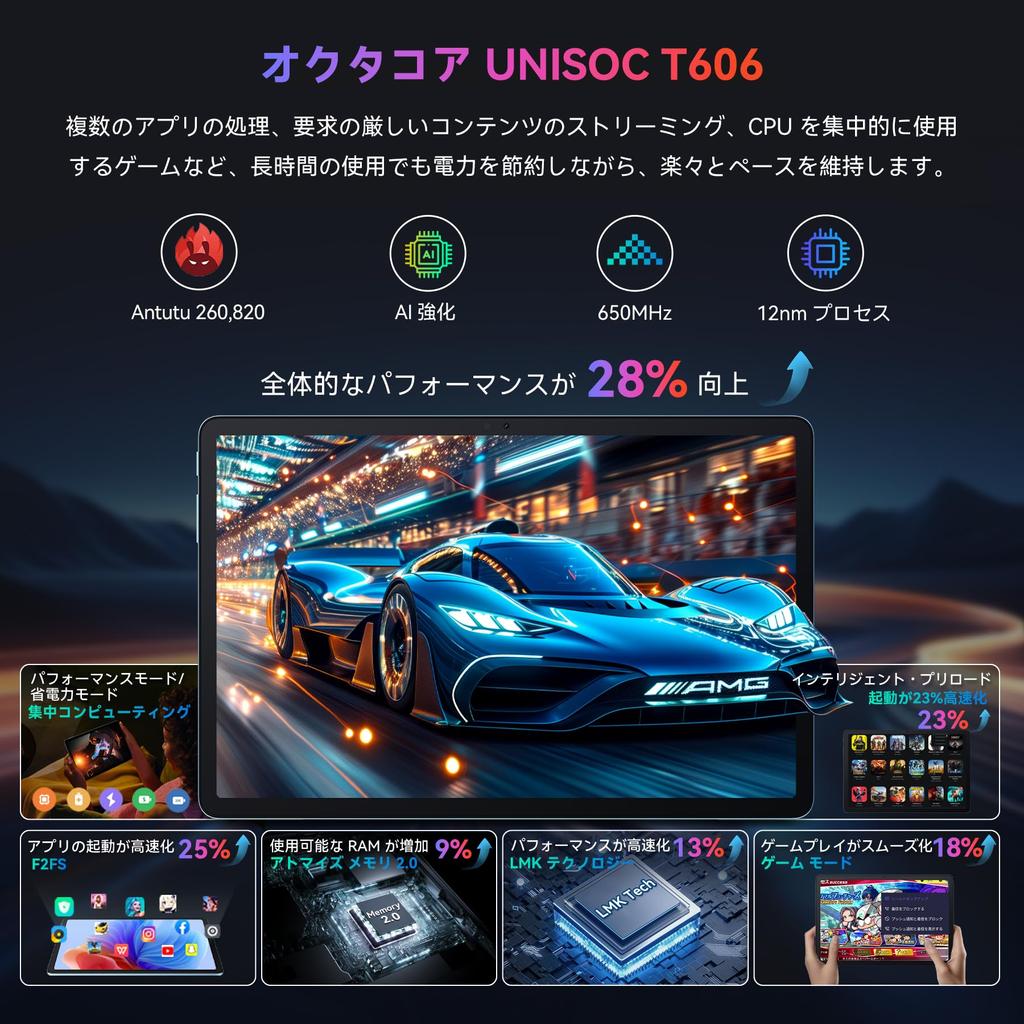
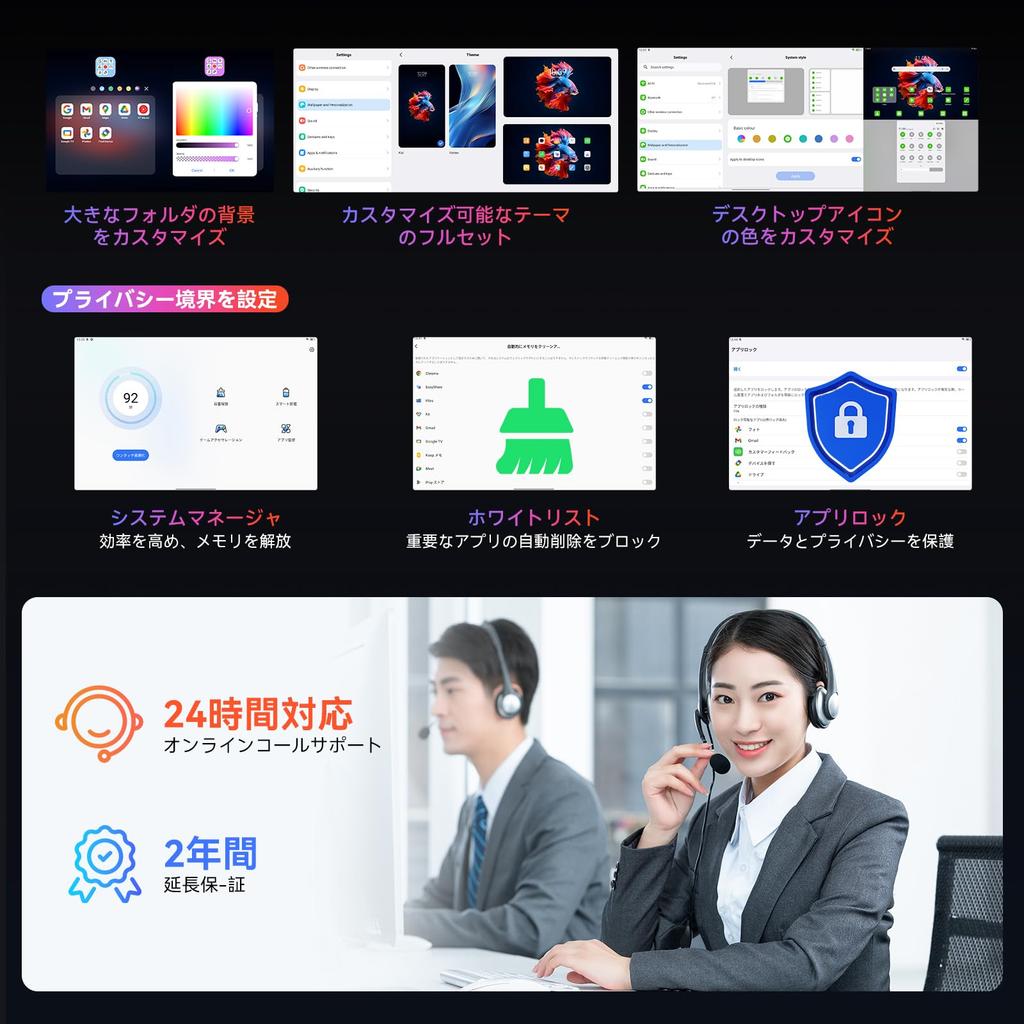
✨[Evolution ①: Android 14 and Doke OS_P 4.0] Based on Android 14, Doke OS_P 4.0 makes tablet operation even more convenient! ① Equipped with F2FS, app launch speed is 25% faster than the previous model! ② Smart Android Tablet: Workspace: Work and life are separated into a main screen, sidebar, and floating button. ③ Use the "Easy Share" app to browse, receive, and send files even without Wi-Fi. ④ "Finger Magic" function makes operation more convenient: Open a small window and change home settings with one finger, split screen with two fingers, and screenshots and open the AI camera with three fingers. ⑤ Customize home screen icon and wallpaper styles. ⑥ Focus Mode: No Play Mode/Meditation Mode/Work Mode/Sports Mode/Reading Mode/Game Mode. No Play Mode limits app use and allows you to limit tablet screen time for children. Game Mode blocks calls and notifications while playing, providing a smoother gaming experience on your path to victory.
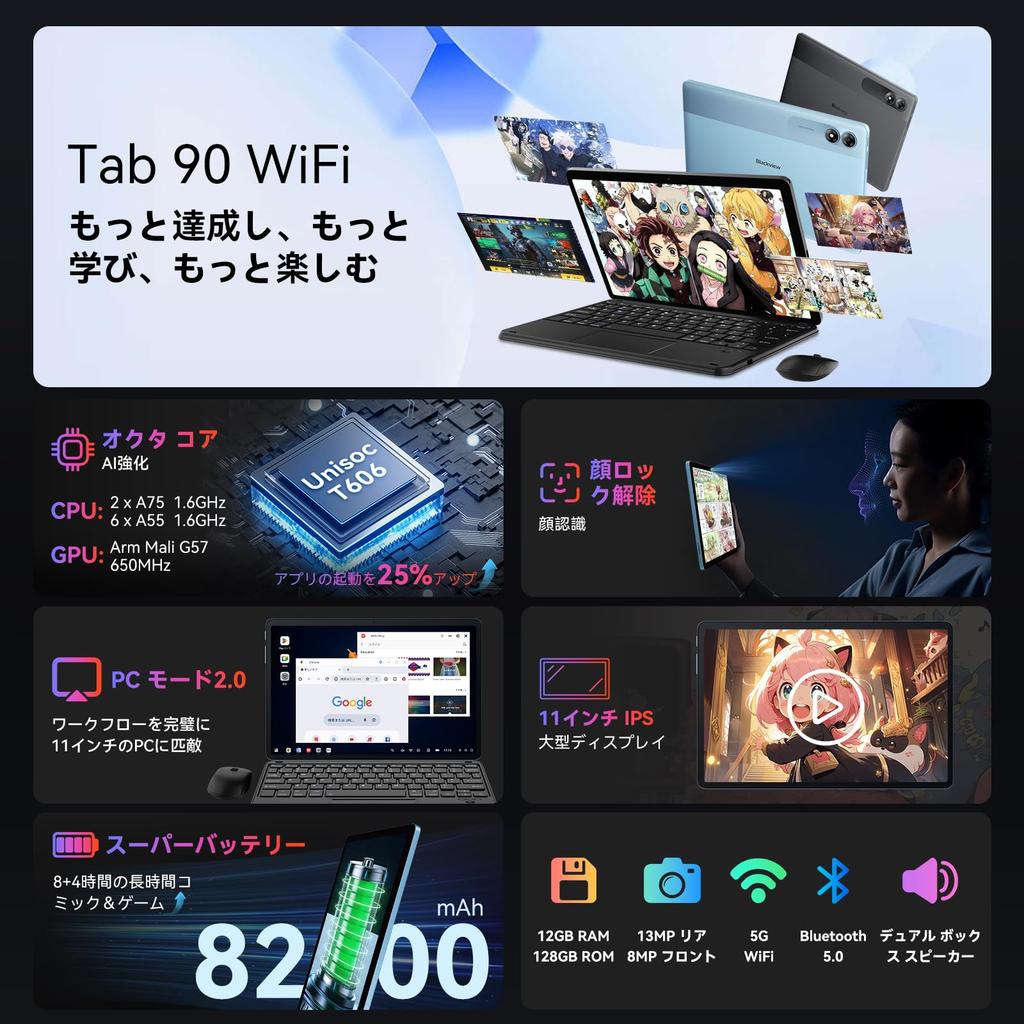
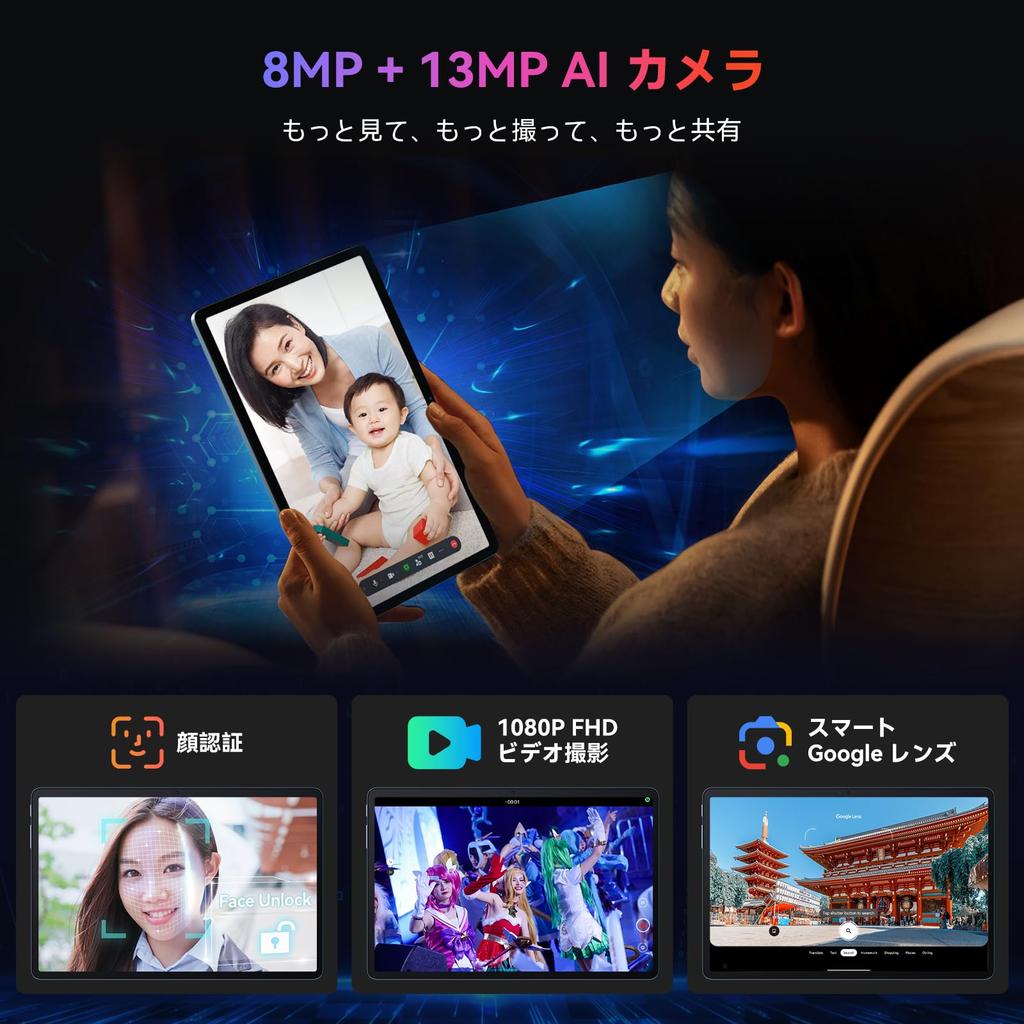
✨[Improvement Point 2: Facial Recognition + Privacy Protection] Solve the problem of forgotten passwords or PIN codes after initial setup! This Tab 90 WiFi Android tablet is equipped with facial recognition, a feature customers have been asking for. Simply point your face at the camera and the tablet will unlock in just 0.3 seconds. Accurate and smooth authentication is possible from any angle, even with your face unprotected, wearing a mask or glasses, in bright or dark places, and from any angle. This Android 14 tablet allows only frequently used apps to access personal information, while locking other apps. This protects your privacy and security from unauthorized access.
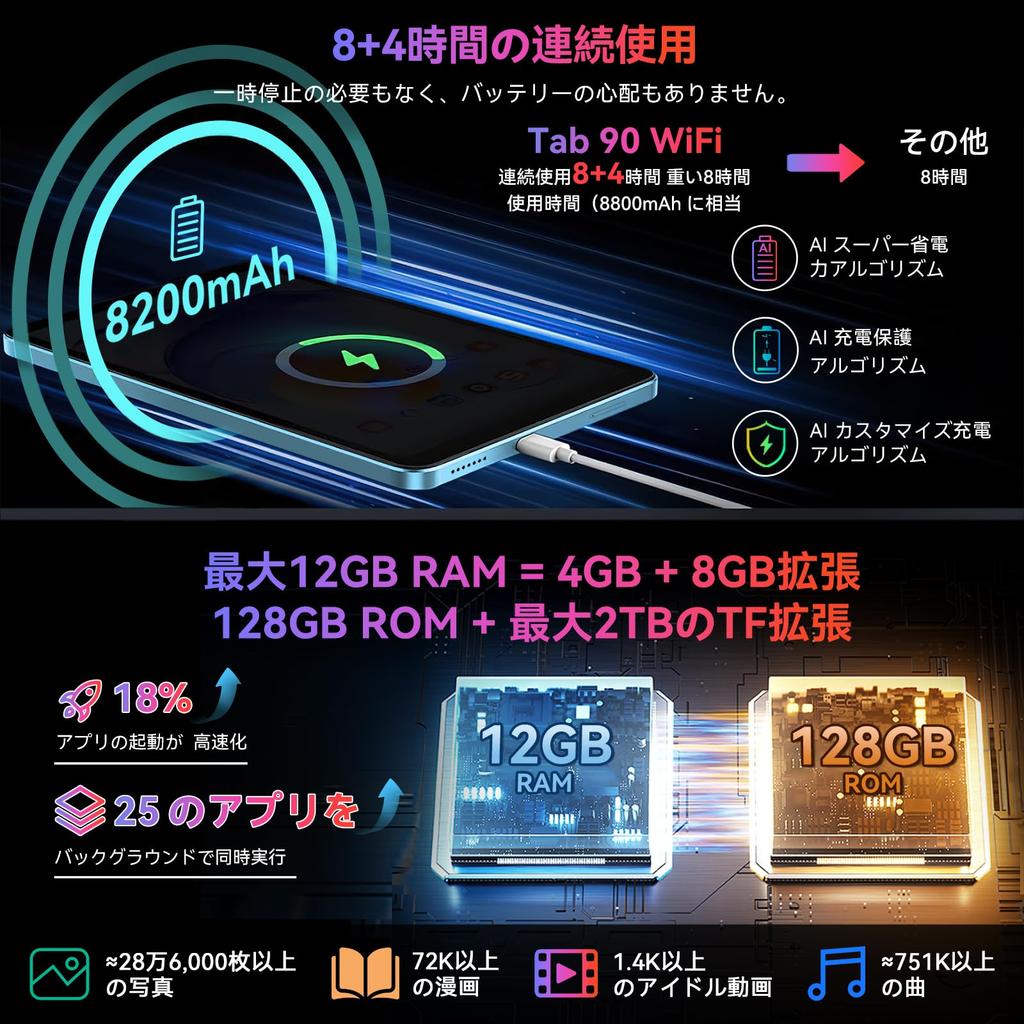
✨[Improvement Point 3: 8200mAh Large Capacity, Up to 12 Hours of Continuous Use] Equipped with a long-lasting 8,200mAh battery and enhanced by an AI super power-saving algorithm, the Tab 90 WiFi delivers up to 12 hours of continuous use. Enjoy movies, comics, games, and more without interruption, for a truly immersive experience. At just 540g, the feather-light tablet is easy to carry anywhere. The "Super Saver" mode has also been expanded, allowing you to use only the apps you need, significantly extending your screen time and providing peace of mind in emergencies. To set it up: [Settings] → [ ] → [Saver]/[Super Saver].
✨[Improvement Point 4: PC 2.0 Mode + Smart Pre-Installation] The Blackview Tab90 WiFi Tablet 11-inch has upgraded its PC mode. When you enter PC mode, the tablet instantly switches to a desktop-like interface, making it more suitable for work. Connect a wireless mouse and keyboard to handle urgent tasks on the go. WPS is pre-installed, allowing you to easily edit spreadsheets and convert Excel, Word, PPT, PDF, and more. This tablet's Android 14 version also comes pre-installed with Google Lens, allowing you to instantly scan text with the camera, translate text, and search for things, making work even more convenient.
✨[Various Features Available, One-Year Warranty] This Android tablet is equipped with features such as GMS authentication, facial recognition, screen splitting, wireless projection, and child protection, allowing you to fully enjoy your tablet. The Blackview 11-inch tablet comes with a one-year quality guarantee, and if you contact the official Blackview email address, you can extend the warranty to two years. If you have any problems with the product, please feel free to contact us by email and we will respond within 24 hours. Purchase with confidence. How to set up Japanese: [Settings] → [System] → [Languages] → [Add a language] → [Japanese] → [Make Japanese the top choice] → [Done]



 Prodotto dal Giappone


 Rimborso per mancata consegna