Description:
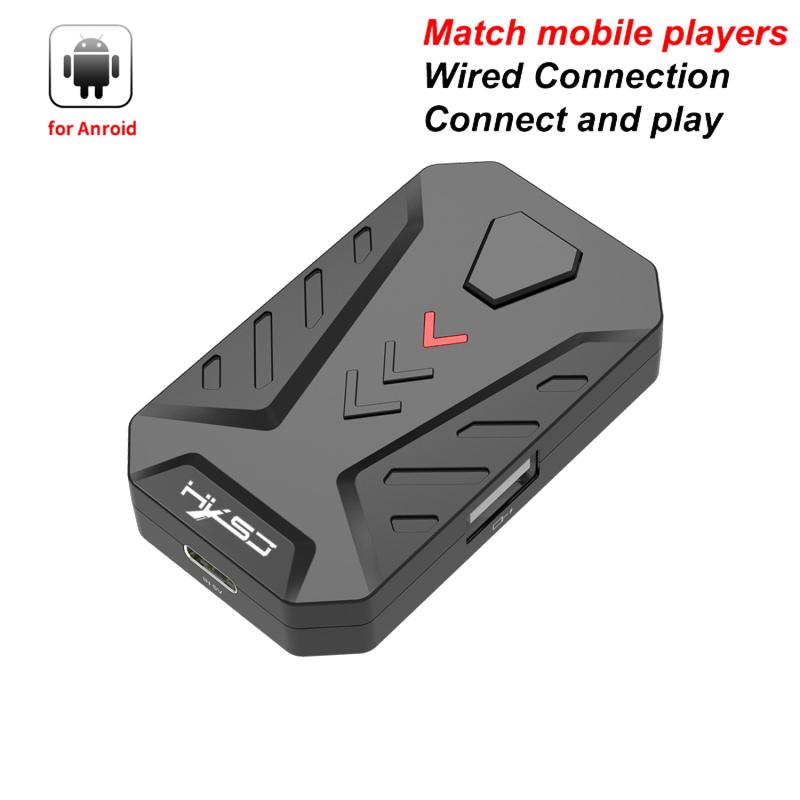
Name: Keyboard Mouse Converter
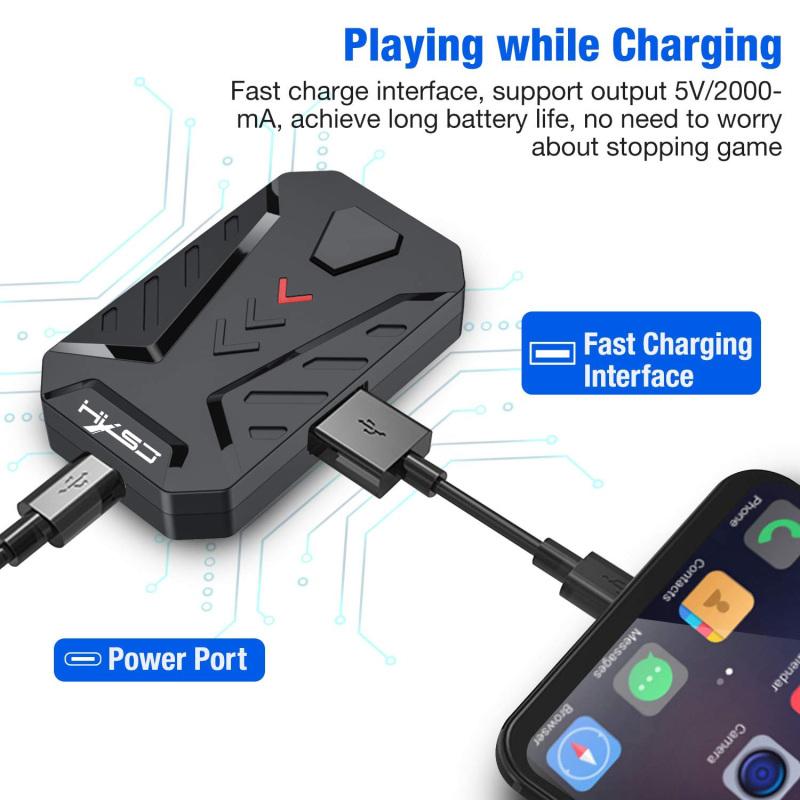
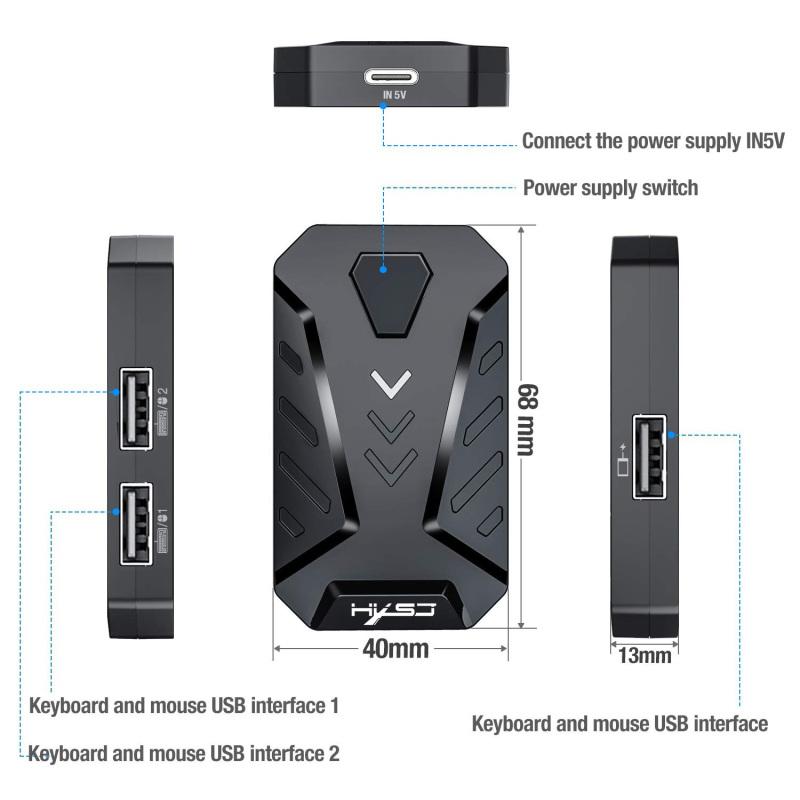
Interface layout: mouse or keyboard USB 1, mouse or keyboard USB 2, power switch, mobile phone interface, power port;
Wired interface: USB;
Keyboard and mouse interface: USB;
Number of interfaces: 4PCS;
Input voltage/current: 5V / 2A;
Data line length: 80cm;
Data cable interface: TYPE-C;
Adaptation system: Android 6 or higher;
Switching mode: Ctrl + F3 (mapping BT mode (MediaTek)), Ctrl + F4 (wired mode (non-MediaTek));
Product weight: 21g;
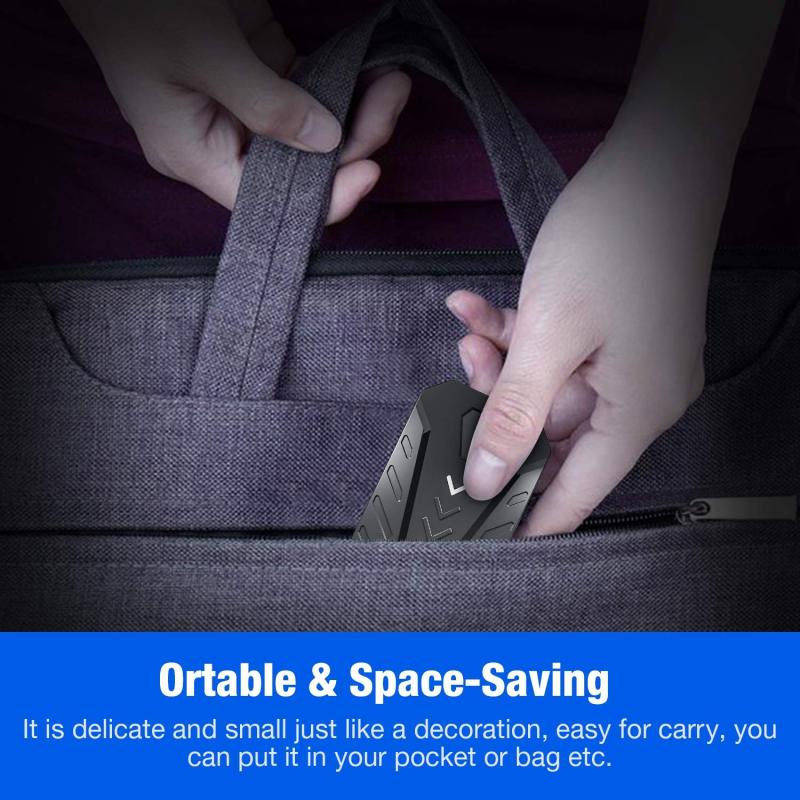
Product size: 68 * 40 * 13MM;
Packing weight: 55g;
Packing size: 114 * 100 * 37MM;
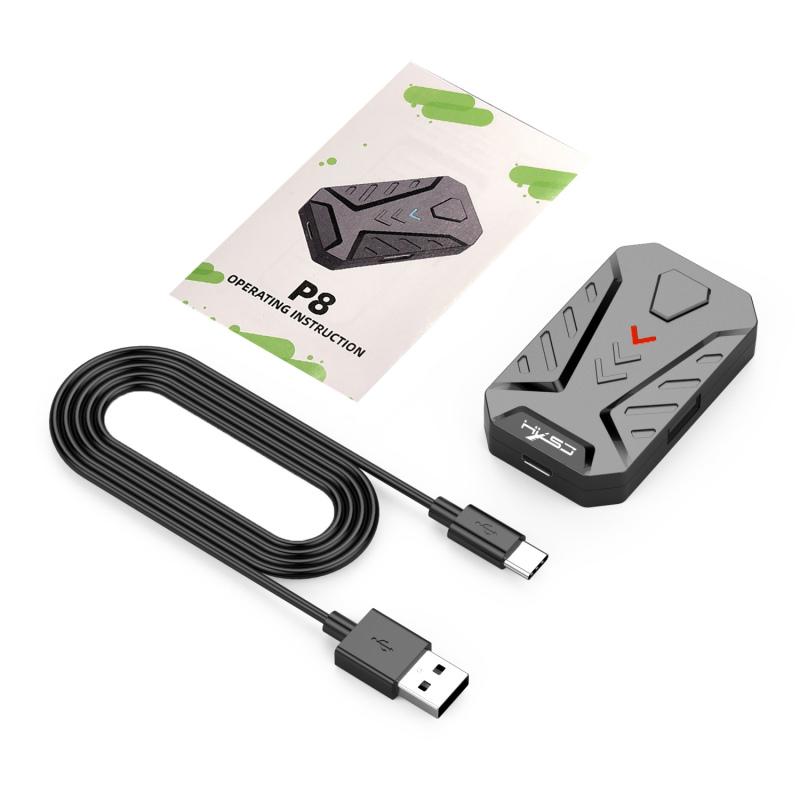
Product packaging: P8 converter for Android system * 1, 80cm TYPE-C data cable * 1, user English manual * 1;
How to use: For wired connection, install the application, scan the QR code below to download "geekgamer", operate "geekgamer", when opening "geekgamer", you will be asked for the permission of the floating window that allows the application to run normally, and then click " Allow", open the "floating window" to allow, go to the homepage, click "+Add game", select the game you want to play from the list. For example, "PUBG" click "Add", connect the device, as shown in the instructions, connect the device to the phone, select "Charge only" and allow USB debugging;
ANDROID’s wired connection mode: Mediatek phones can’t work in this way, you need to turn off Bluetooth when using it, switch the mode, press the keyboard combination: Ctrl + F4, the Mix Lite converter switches to "Android Wired Mode", the status indicator will change to red. Click "ENTER";
How to use: MEDIATEK phones, this mode is only available for Mediatek phones, switch the mode, press the keyboard, as shown in the manual picture: Combination: Ctrl + F3, P8 converter switches to "Mediatek model", the status light will turn purple. Click "Connect Device", as shown in the picture in this manual, find "LITE-A-XX" BT and connect, return to the main interface of the APP, the device will be automatically activated, if it is not activated, you need to click the "Activate" option, Enter "Developer Options" as prompted by the APP, and then turn on the "USB debugging function";
Packing list:
P8 converter for Android system*1
80cm TYPE-C Data Cable*1
User English manual*1
Note: Due to different personal displays, light and contrast differences, there may be slight color difference between the picture and the real object.