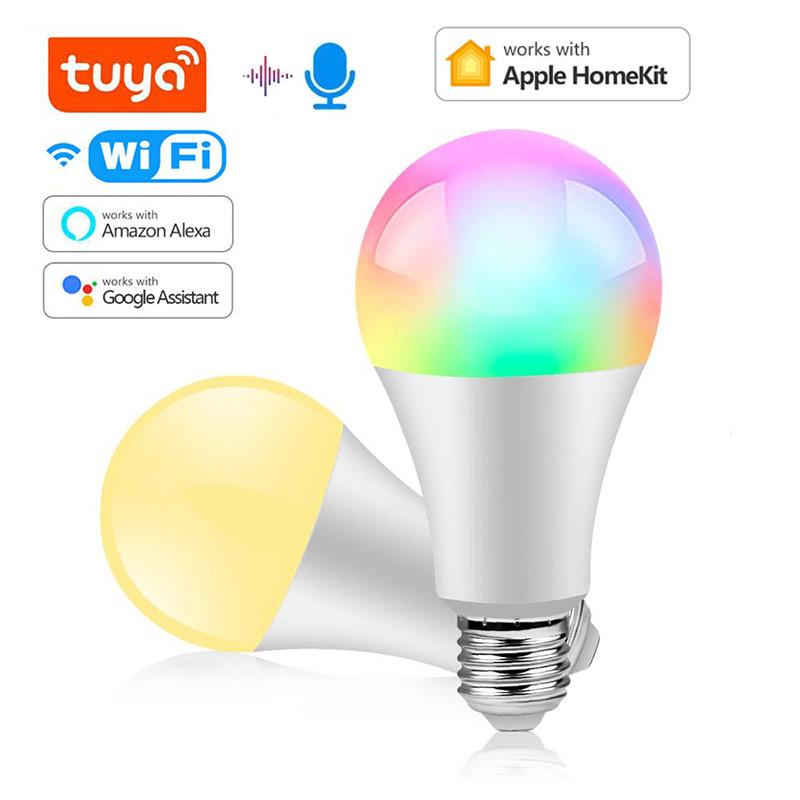


Wireless WiFi LED Lamp Smart Bulb RGB E27 LED Light Tuya /Homekit Smart Life Google Home Alexa Voice Control Lights Lighting For Home
Barva


 Vrácení peněz při nedoručeníZáruka kvalityBezpečná logistikaOchrana soukromí
Popis
Specifications:
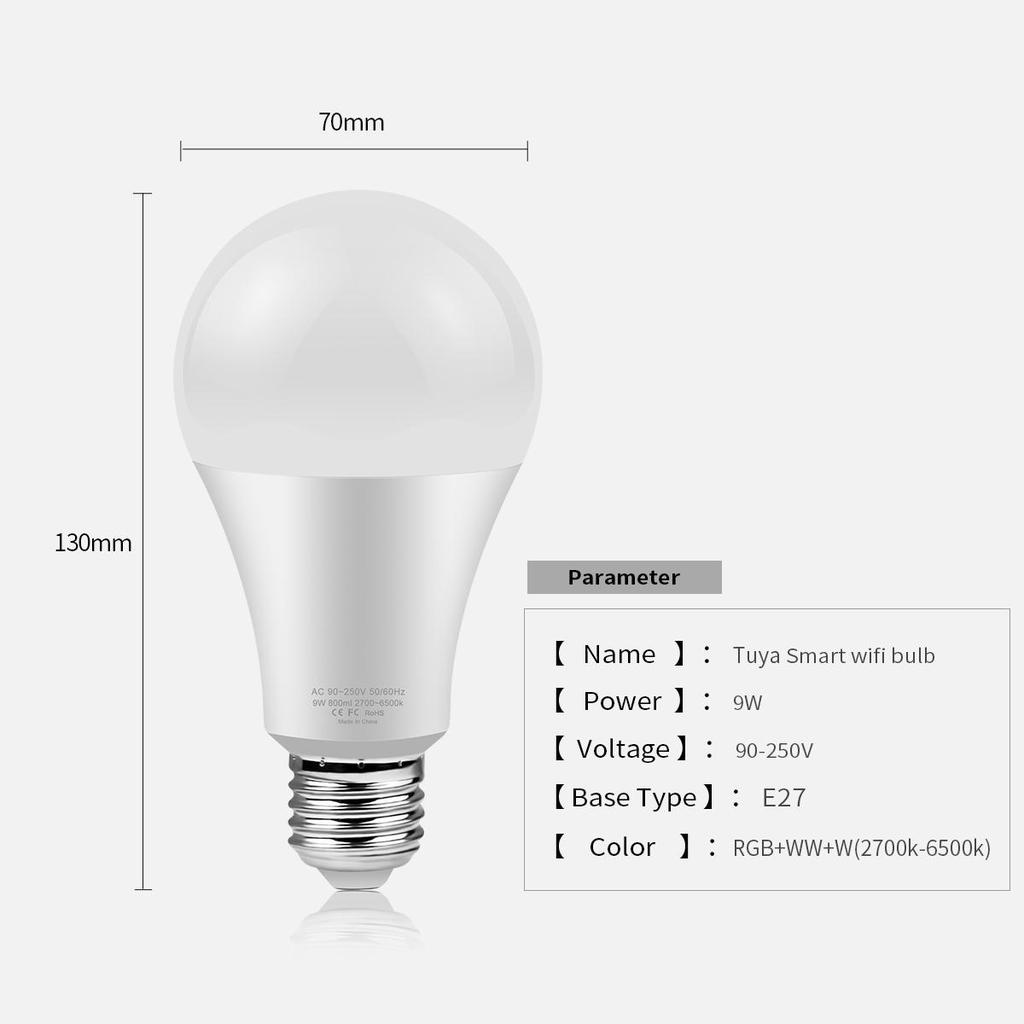
Type: Smart WIFI LED lamp Base Type: E27 Power: 15W Material: Aluminum + ABS Voltage: AC 85- 265V Emitting color: RGBCW=Full Colors (16 million colors);
Know about Tuya APP
Step 1: Search "Tuya" or "Smart Life "on Phone to download it. Step 2: Connect the bulb to your local 2.4G WIFI with your phone connecting to it. Step 3: Set up your Tuya account. Add Device>Lighting devices and confirm the device in the App. Step 4: Easy Mode or AP Mode(Press on/off button of the device 5 times)
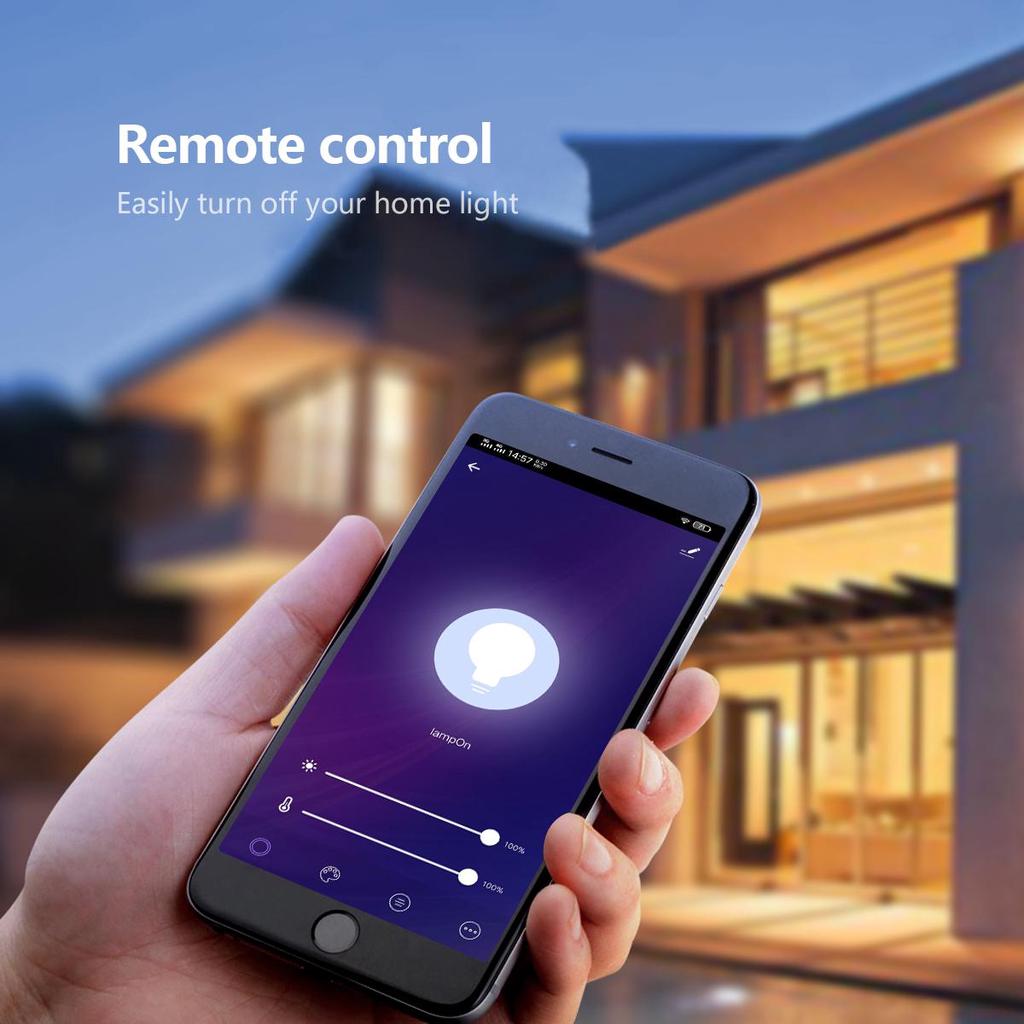
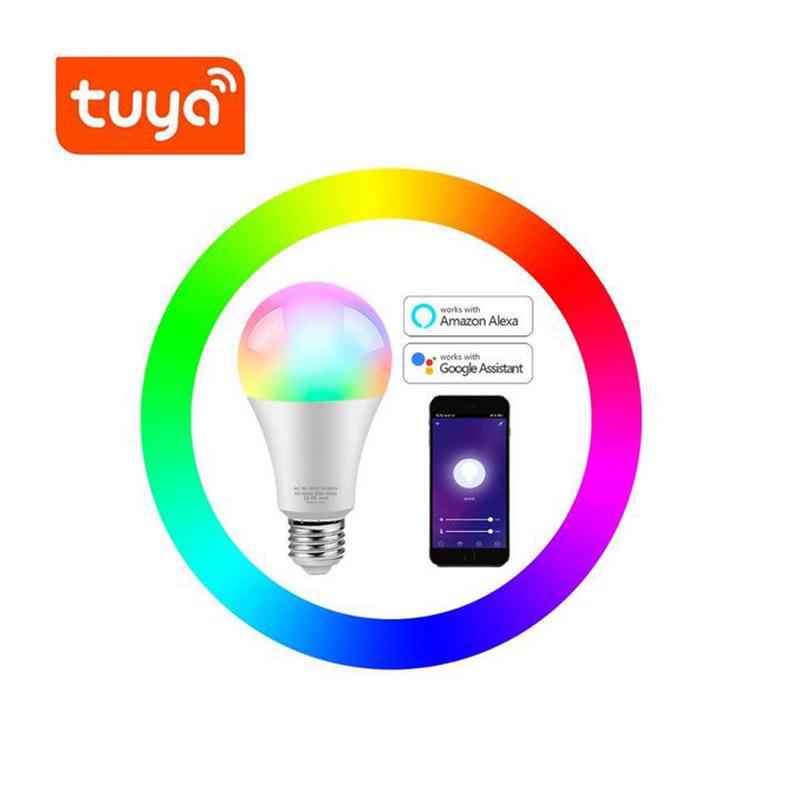
Features: 【Remote Control】 Even you are not at home, you can control your smart bulb on/off with your phone via Tuya or Smart Life App. Easily set schedule for your smart bulb. Customize your home light system, like setting lights to come on at dusk or turn off at sunrise. You can create a group for all of your smart bulb and control them all with just one command. Works with 2.4GHz Wi-Fi network.
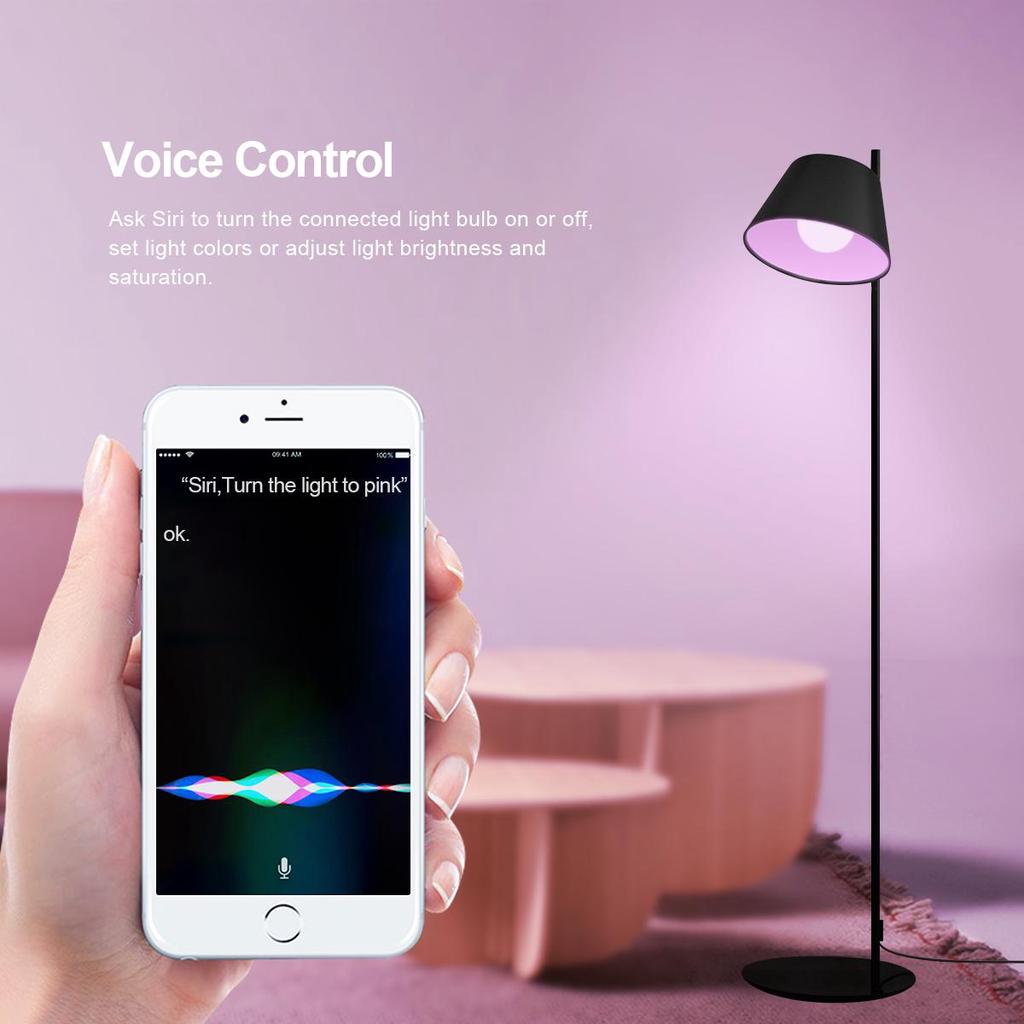
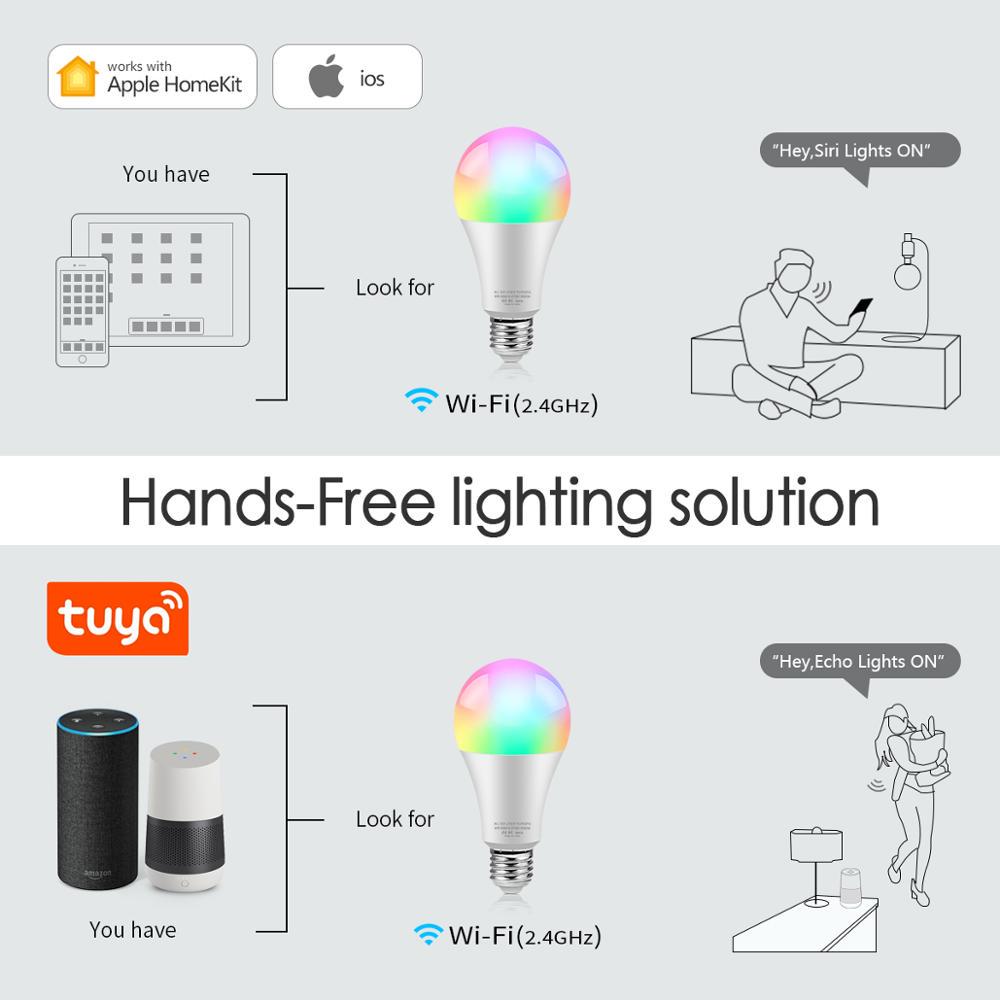
【Voice Control】 Control your smart bulb via your voice with Google Assistant . Just give a voice command to turn on/off or dim/brighten your light, even switch your light to specific olor as you need. No hub required and easy to install. No need subscription.
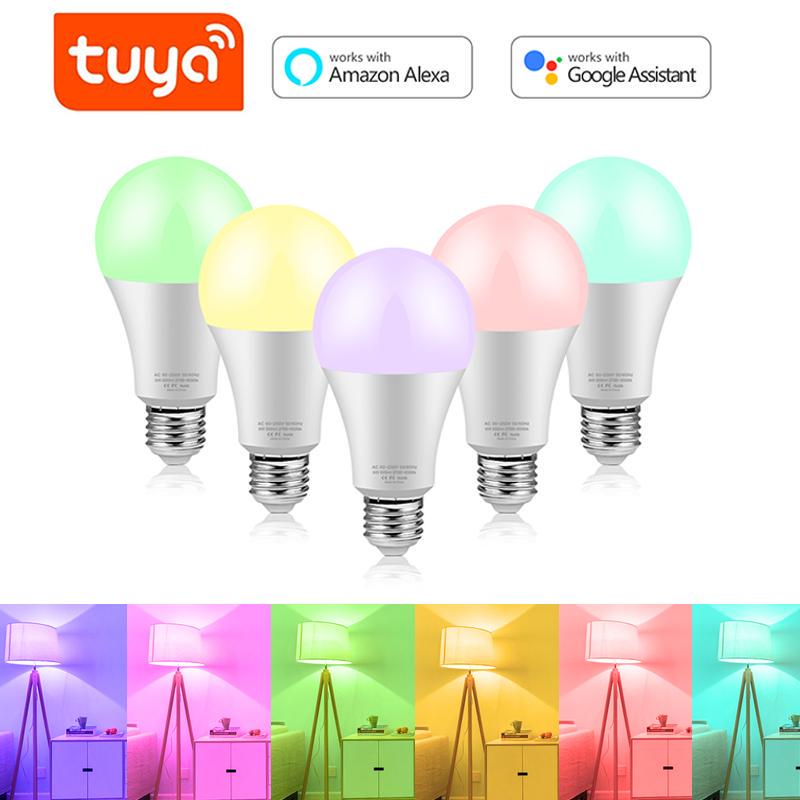
【Millions Color Changing】Express yourself and make your space more creative with Smart Bulb. Choose from 16 million colors and shades of white to instantly change the look and atmosphere of your room. Control remotely with your smart device, create customized scenes and unleash your creativity. Meet your party, read, leisure light.
【Energy Saving&Wide Usage】With LED technology, this bulb will save up to 60% energy consumption compared with ordinary bulb. Save your electricity charge with newest lighting technology. This bulb can be used on anywhere you need colorful light such as home indoor lighting, hotel, meeting room, museum, restaurants, bar, cafe, holiday
Know About HomeKit APP:
Step 1: Search "Dohome" on Phone or Scan QR code to download it. Step 2: Connect the bulb to your local 2.4G WIFI with your phone connecting to it. Step 3: Set up your Dohome account. Add Device>Lighting devices and confirm the device in the App. Step 4: Easy Mode or AP Mode(Press on/off button of the device 3 times) Step 5: Open "HOMEKIT MODE" on Dohome APP. Please carefully review the specific operation video, If you meet any problem, please contact me first. Thanks!
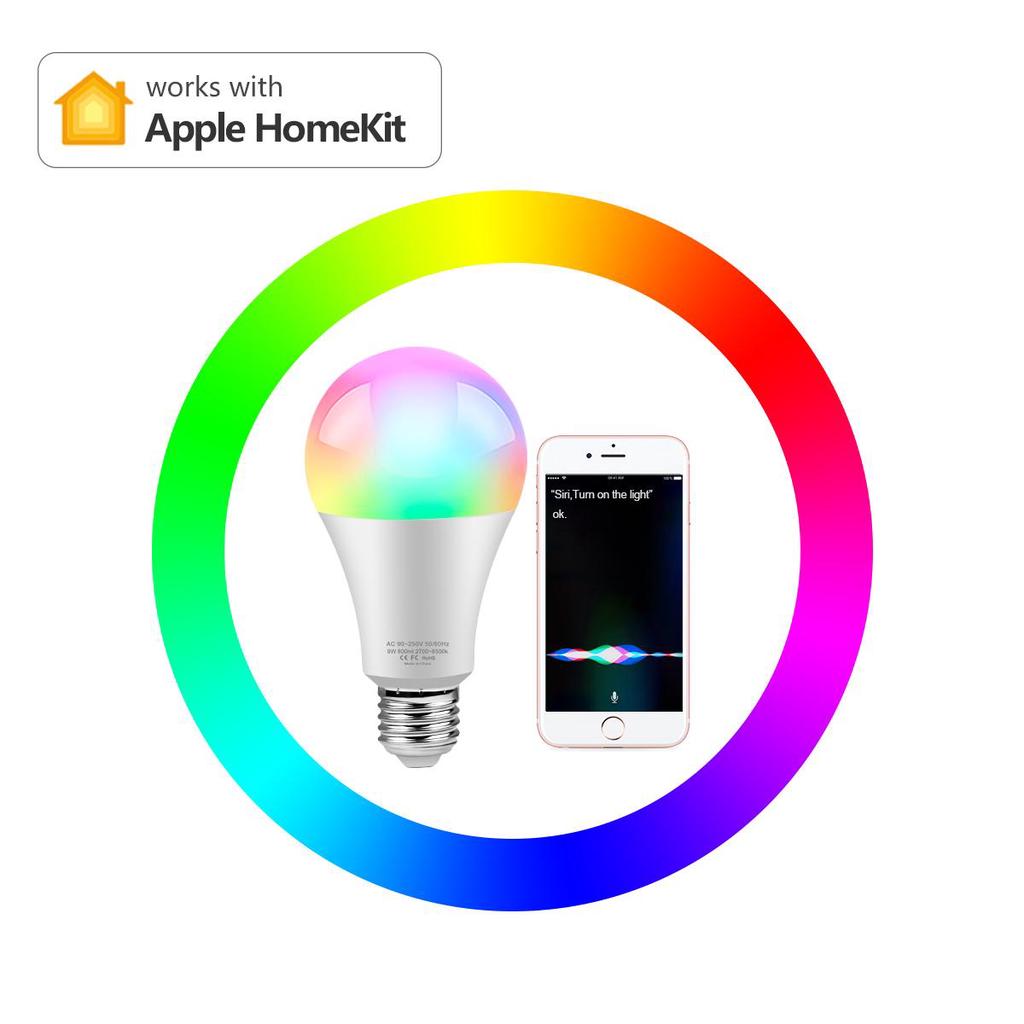
Feature: A)No Hub required for set up: Immediately start controlling your bulb with quick and easy set up using wifi on your compatible Apple iOS device with the Apple Home App. B)Voice Control with Siri: Control your lights with voice integration through Siri Ask Siri to dim your lights, set a scene, turn on or off, and more. C)Works with Apple HomeKit to support over 16 million available colors and adjustable white color temperature ranging from 2700K to 6500K. No hub required for set up. D) It works with Apple HomeKit, so you can easily control connected bulbs using Siri on your iPhone, iPad, iPod touch, or Apple Watch. No require to install others APP.
Tips--App Be sure that you are using 2.4GHz WiFi when connecting with the smart bulb. And WiFi must be detectable status. Many routers have 5 GHz and 2.4 GHz network and your phone will always automatically connect to the 5 GHz network. So, you have to completely turn off your 5 GHz network by going to your router settings (enter the router IP address into your internet browser, usually something like 192.168.1.1), forcing your phone to connect to the 2.4 GHz network.
In addition, the router encryption mode must be WPA2-PSK type and the authentication type must be AES.


