------------------------------------------------------------------------------------------------------------------
Welcome to the Japanese Store
It is 100% authentic.
Please inquire about size, condition, and accessories before purchasing.
【Voltage Compatibility】
When using electrical appliances, please note that they are designed for Japanese voltage specifications (90-110V), so if you use them with a different voltage, it may cause a malfunction.
【Plug Type】
Our products use Japanese plug types (A or B type).
Please use a conversion adapter if necessary.
【Important Note on Transformers and Adapters】
A transformer adjusts voltage to match your device’s requirements.
A conversion adapter only changes the plug shape and does not adjust voltage.
Using only a conversion adapter without a transformer may result in damage to the product.
【Liability】
We are not responsible for malfunctions or damages caused by improper use, such as operating the product without a transformer.
------------------------------------------------------------------------------------------------------------------
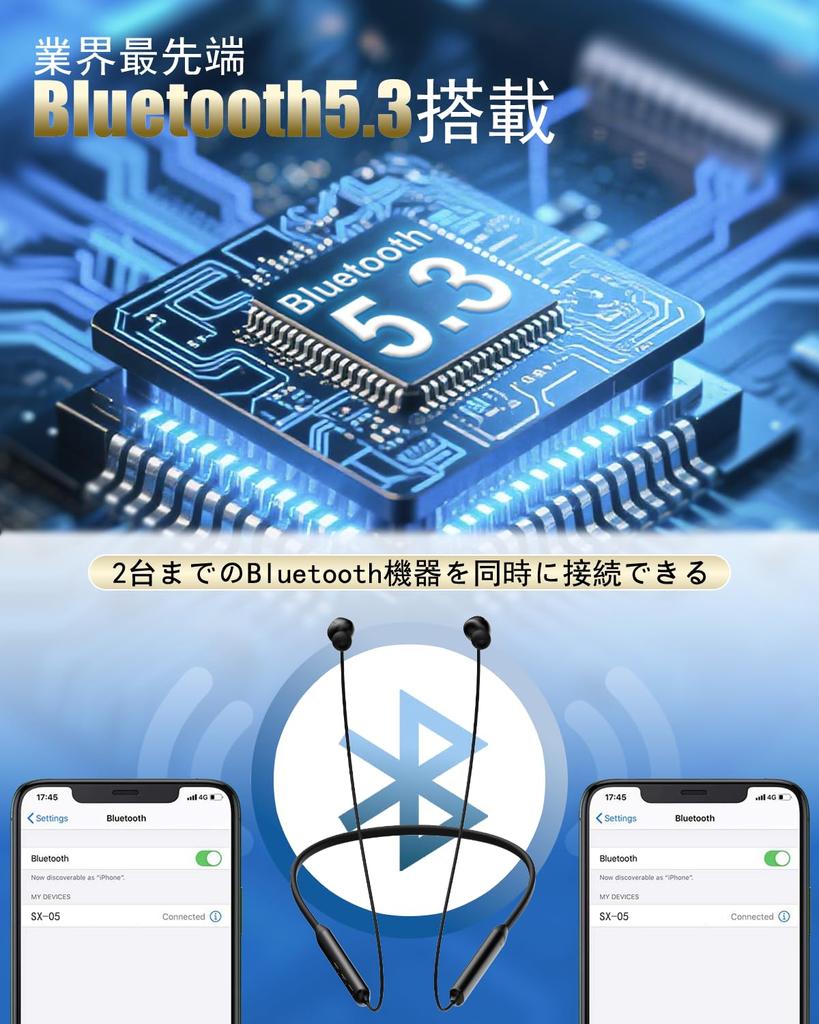
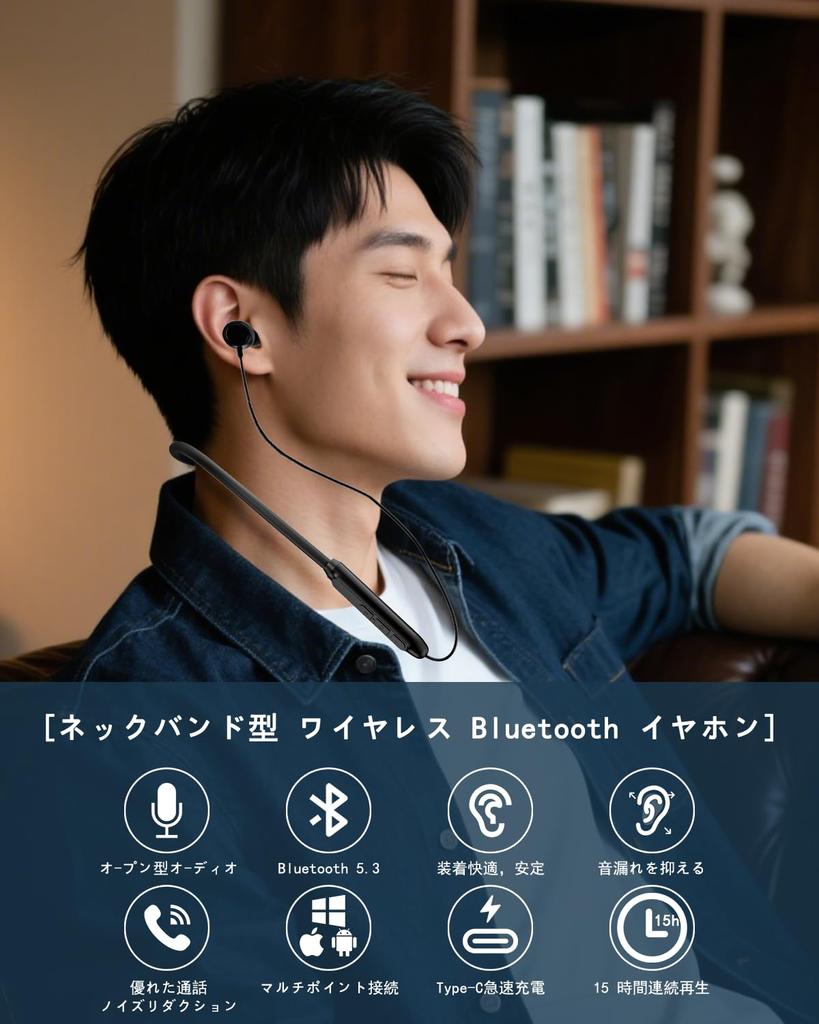
[Bluetooth 5.3, Ultra-Stable & Low Latency Connection] Equipped with the latest Bluetooth 5.3 technology, these headphones offer even more stable connection and faster data transfer speeds than previous models. They offer less interruption even in crowded environments like the commuter train or the gym, and significantly reduce audio lag when gaming or watching videos. Enjoy wireless freedom with a reliable, comfortable connection.
[Automatic Pairing & Multi-Point Connection] Simply unpack and power on the headphones, and they'll automatically pair with your smartphone or tablet (initial setup). No complicated setup is required. They also support simultaneous connection to two devices (e.g., smartphone and PC, smartphone and tablet) (multi-point Bluetooth). Switching between phone and music, or work and personal devices, eliminates the need for tedious pairing. They'll automatically switch when you receive a call, and smoothly return to your original music or video after the call ends.
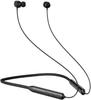
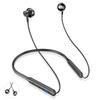
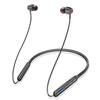
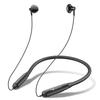
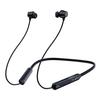
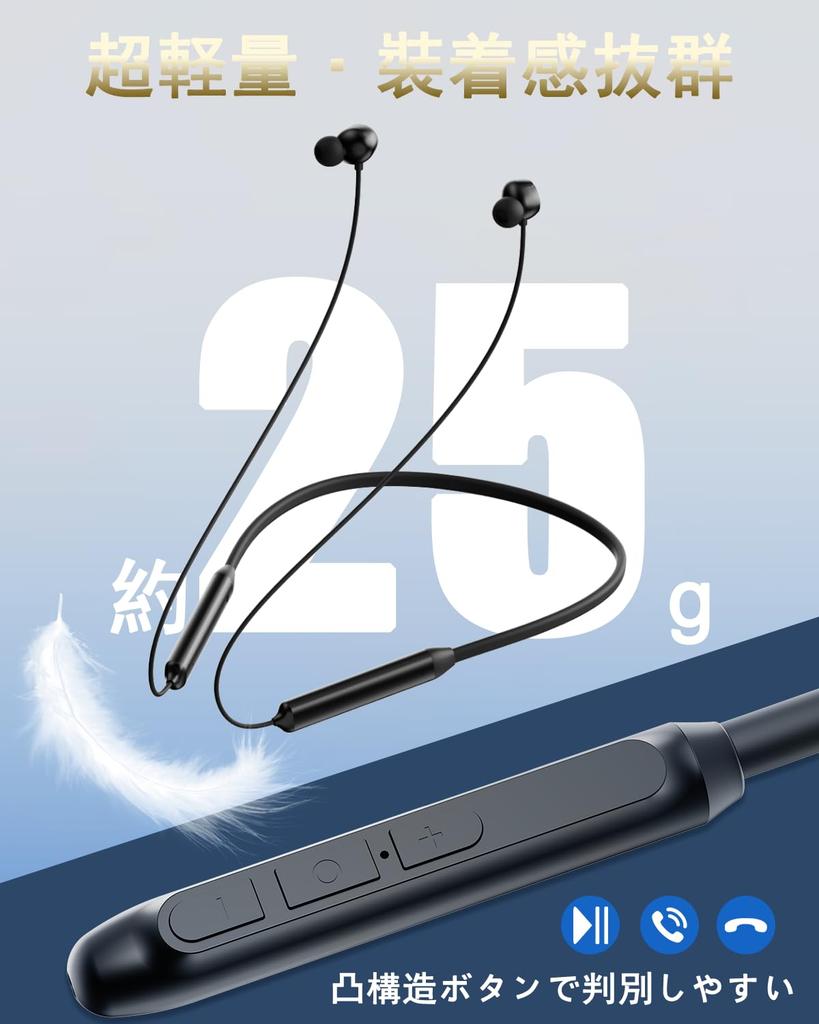
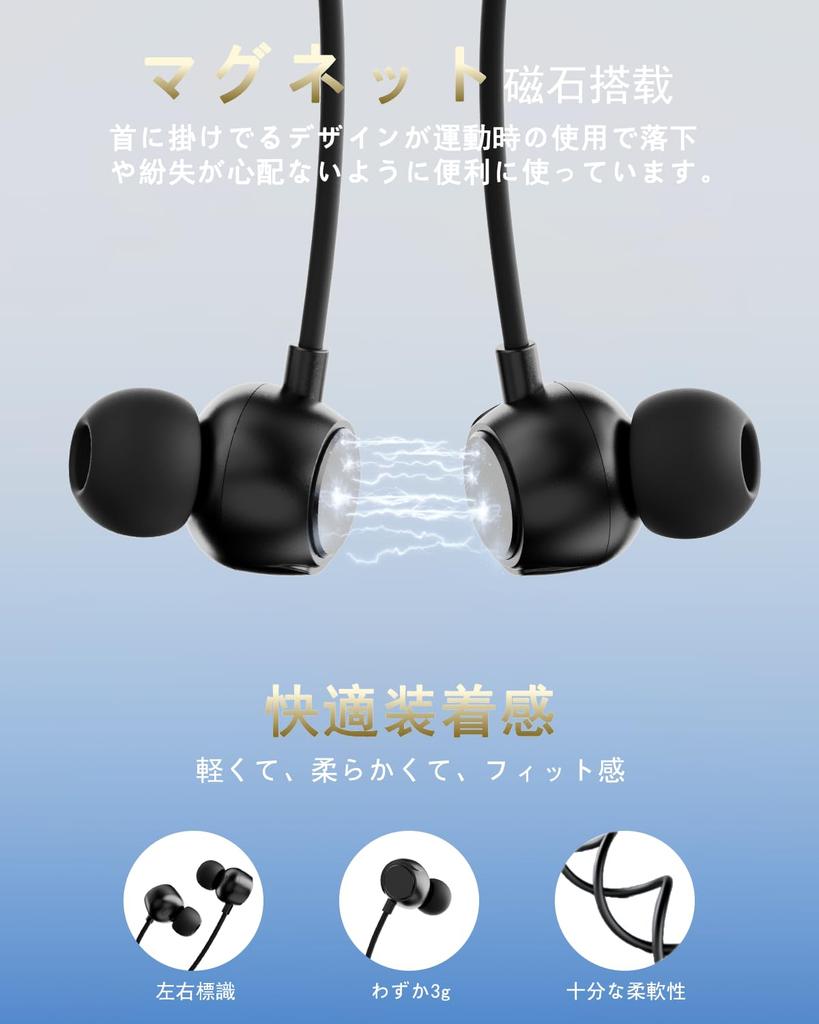
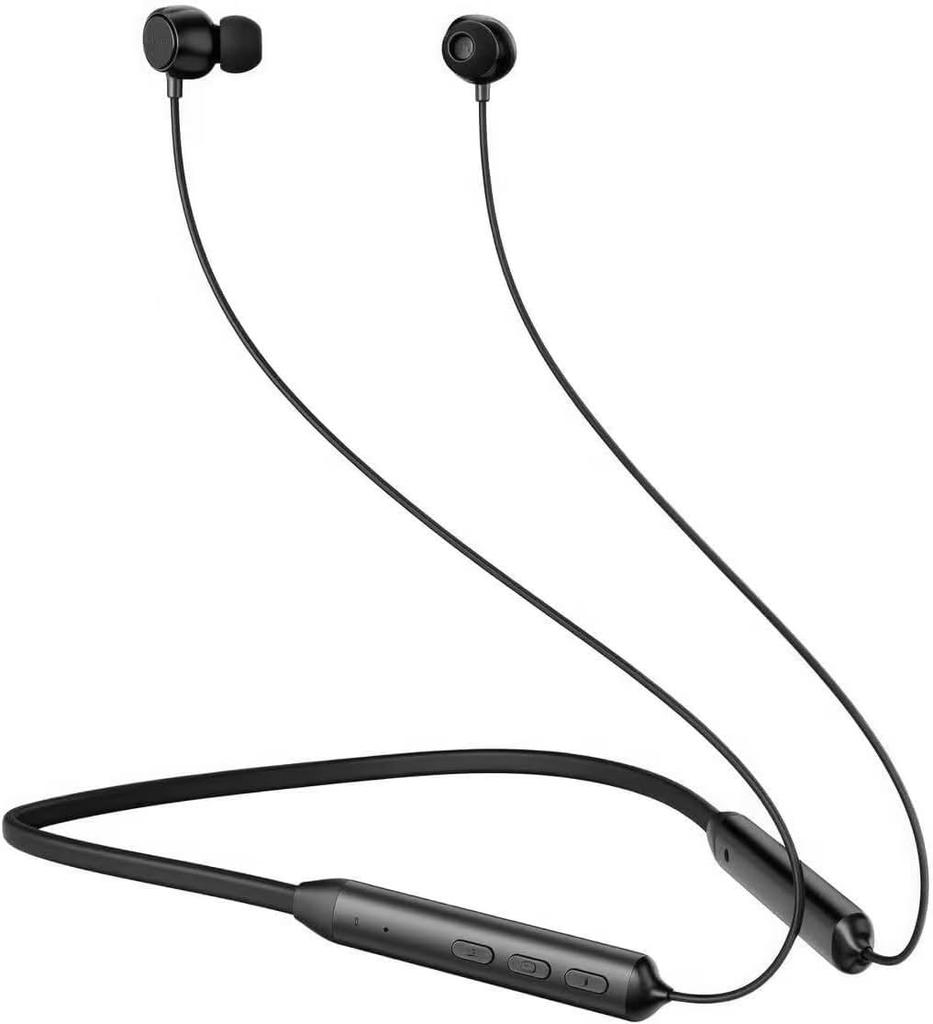
[Ultra-lightweight design & compact storage, easy to carry anywhere] The extremely lightweight design (approximately 25g) is so light you'll forget you're wearing it around your neck. The flexible cable and ergonomic shape reduce strain on your neck and ears even during extended use. After use, the headphones can be easily folded and stored compactly. Store them neatly in the included pouch and easily fit in your bag or pocket, making them ideal for business trips, travel, and everyday use.
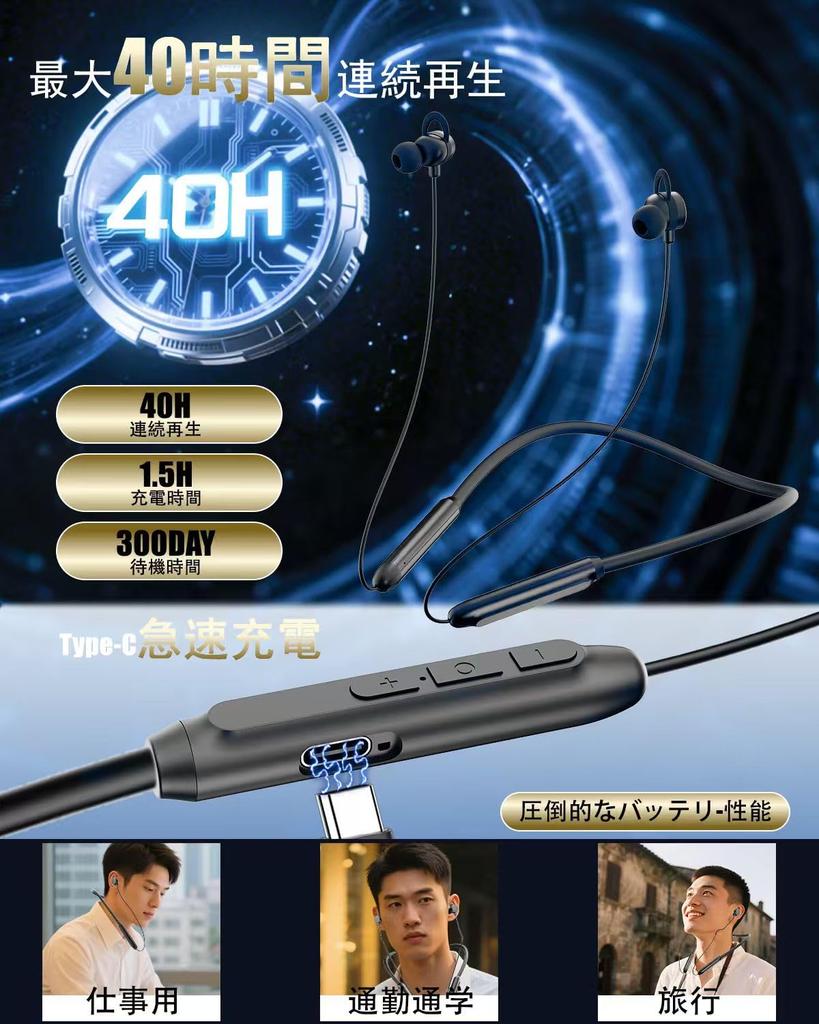
[Up to 40 Hours of Playback & Type-C Charging] Thanks to its large capacity, you can enjoy up to 40 hours of continuous use on a single charge. Ideal for long-distance travel or those who want to enjoy music all day. Furthermore, it features the latest USB Type-C charging port, so a full charge is completed in a short time.
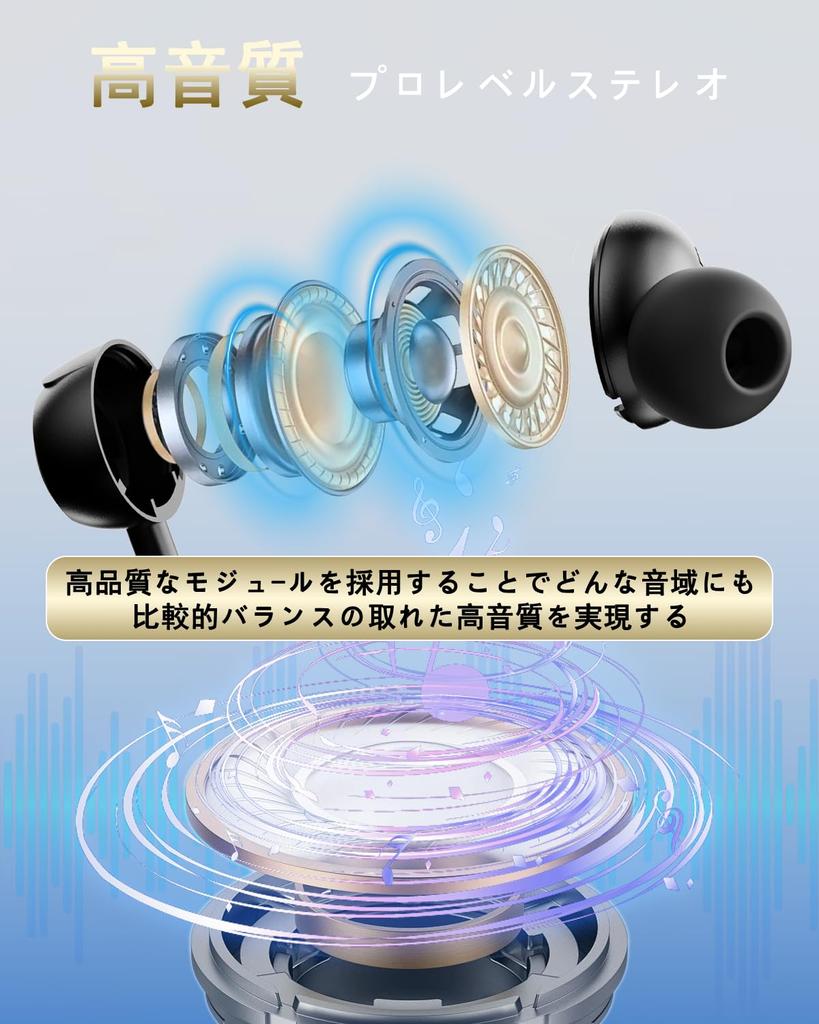
[Hi-Fi Class High-Quality Drivers Reproduce the Essence of Music Clearly] Equipped with precision-tuned, high-quality driver units, these headphones deliver high-resolution Hi-Fi sound, faithfully reproducing the subtle nuances and realism of music, from delicate highs to deep lows. Noise-canceling functionality (if available) and superior sound insulation (the tight seal of the earplugs) allow for a more immersive listening experience.
Intuitive Operation & Easy-to-Use Button Layout: The neckband features a clear button layout and intuitive operation system. Easily perform key operations with a single touch, such as volume adjustment, skip forward/backward, play/pause, and answer/end calls. Operation sounds and voice guidance (in supported languages) provide feedback, allowing you to operate the headphones safely without taking your eyes off the controls.
[Reliable Japanese Support & Comprehensive After-Sales Service] We provide Japanese-language manuals and customer support so you can use the product with peace of mind even after purchase. We will respond promptly and courteously to any questions or problems you may have about the product. The manufacturer's warranty (1 year) also applies, and we have a reliable after-sales service system in Japan. We are committed to quality and customer satisfaction.
Product Specifications Wireless Standard: Wireless Version 5.3 Supported Bluetooth Protocols: A2DP/AVRCP/AVDTP/SPP/SDP Operating Frequency Band: 2.402GHz-2.480GHz Receiving Sensitivity (Typical): -94dBm Communication Distance: Up to 10 meters (Unobstructed Environment) Speaker Output: Rating 2-5mW S/N Ratio: ≥92dB Frequency Response: 50Hz-20KHz Built-in: 3.7V/120mAh Lithium-ion Charging Input: DC5V TYPE-C USB Charging Time: Approximately 1.5 hours (0% to 100%) How to Power On: Press and hold the power button for approximately 3 seconds → The LED will flash red and blue and the device will enter automatic reconnection mode (if there is no connection history, it will enter pairing mode after 5 seconds) Power Off: 1. Press and hold the power button for 3 seconds → The LED will flash red and blue and the device will enter automatic reconnection mode (if there is no connection history, it will enter pairing mode after 5 seconds)
2. If the device is out of range and not connected for 3 minutes, it will automatically turn off. Start-up volume: Default is maximum volume Answer call: Click the power button once → Voice guidance available End call: Click the power button once Reject call: Press and hold the power button for 2 seconds Redial last number: Double-click the power button while connected or playing music Volume up (+): Briefly press the volume up button Volume down (-): Briefly press the volume down button Pause/play: Click the power button once Switch to previous song: Press and hold the volume down button during playback Switch to next song: Press and hold the volume up button during playback Safety precautions 1. Charger selection - Use a charger with an output of 1A or less 2. What to do after charging is complete - Immediately disconnect the power after full charge 3. Do not use a mobile phone Never use a mobile phone to charge this product LED indicator status explanation 1. During pairing: Red and blue LED flashes alternately 2. Pairing successful: Blue LED flashes slowly 3. Charging: Red LED stays on 4. Charging complete: Red LED turns off, Blue LED stays on Smartphone connection procedure 1. Preparation: Connect the earphones and smartphone
4. Connecting to the second device Press and hold the multi-function button until it flashes red and blue → Press and hold the multi-function button on smartphone 2 again until it flashes red and blue → Press and hold the multi-function button on smartphone 2 again until it flashes red and blue → Connect in the same way on smartphone 2 5. Operation on smartphone 2 Switch on the Bluetooth function of smartphone 2 Search for "earphones (model number: SX-05)" from the device list Tap the detected device name to connect 6. Reconnecting to the first device Switch on the Bluetooth of smartphone 1
Troubleshooting [Problem 1] Cannot find earphones on device Cause: 1. Earphones are powered off 2. Internal earphone system error 3. Malfunction in smartphone Bluetooth settings Solution: 1. Force pairing mode Power off the earphones → Press and hold the multi-function button until the red and blue LEDs flash alternately (approximately 5 seconds) 2. Reset the device Restart the smartphone → Delete all existing connection history Important notes Pairing time limit 2 minutes in pairing mode
Please complete the connection within the time limit. The power will automatically turn off if the time limit is exceeded. [Problem 2] No sound is output Cause 1. Earphone volume is set to the minimum 2. Poor connection with smartphone 3. You are beyond the communication range (10 meters) Solution 1. Adjust the volume Check the volume setting on your smartphone Press the "+" button on the earphones to increase the volume 2. Execute reconnection Disconnect the Bluetooth connection once → Repeat the reconnection procedure 3. Maintain communication range Keep the earphones and device within 10 meters (an environment without obstacles is recommended) [Problem 3] The red LED does not light up while charging Cause Deep discharge due to long-term non-use Solution 1. Emergency charging - Charge continuously for 30 minutes with the genuine USB Type-C cable → Check that the red LED is lit 2. Safety precautions To prevent overcharging, turn off the power immediately after fully charging. Never charge/store in a high temperature environment (above 40°C) (this may cause battery deterioration) Important operation precautions Operation restrictions while connected Refrain from operating other buttons while connected to Bluetooth Maintain communication quality When making a call or playing music, keep your device within 10m of the earphones



 Zboží z Japonska


 Vrácení peněz při nedoručení