【Important Notice for International Buyers – Tomoayax Premium Audio Hi-Fi Japan】
■ Voltage Compatibility
This product is designed exclusively for use in Japan (AC 100V, 50/60Hz).
Many regions use 120V or 220–240V.
Using this product without a proper transformer in such voltage environments may result in malfunction, overheating, or serious and irreversible damage.
■ Plug Type
This product uses a Japanese plug (Type A or B).
A plug adapter may be required depending on your region.
■ Transformer Requirement (Very Important)
A transformer is required for safe use.
A plug adapter only changes the plug shape and DOES NOT convert voltage.
Using this product without a transformer may cause serious and irreversible damage.
■ Buyer Responsibility
As this is high-end audio equipment, the buyer is fully responsible for confirming compatibility with their local voltage (100V / 120V / 220–240V) and usage environment before purchase.
■ No Return / No Refund Policy
We do NOT accept returns or refunds for:
・Voltage mismatch (including 120V and 220–240V environments)
・Use without a transformer
・Plug incompatibility
・Damage caused by improper setup or usage
■ Liability
We are not responsible for any damage, malfunction, or performance issues caused by improper use or incorrect voltage conditions.
■ Final Notice
Please ensure full understanding of the above before purchasing.
Use only under the correct voltage environment.
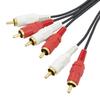
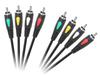
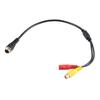
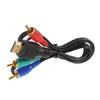
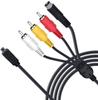
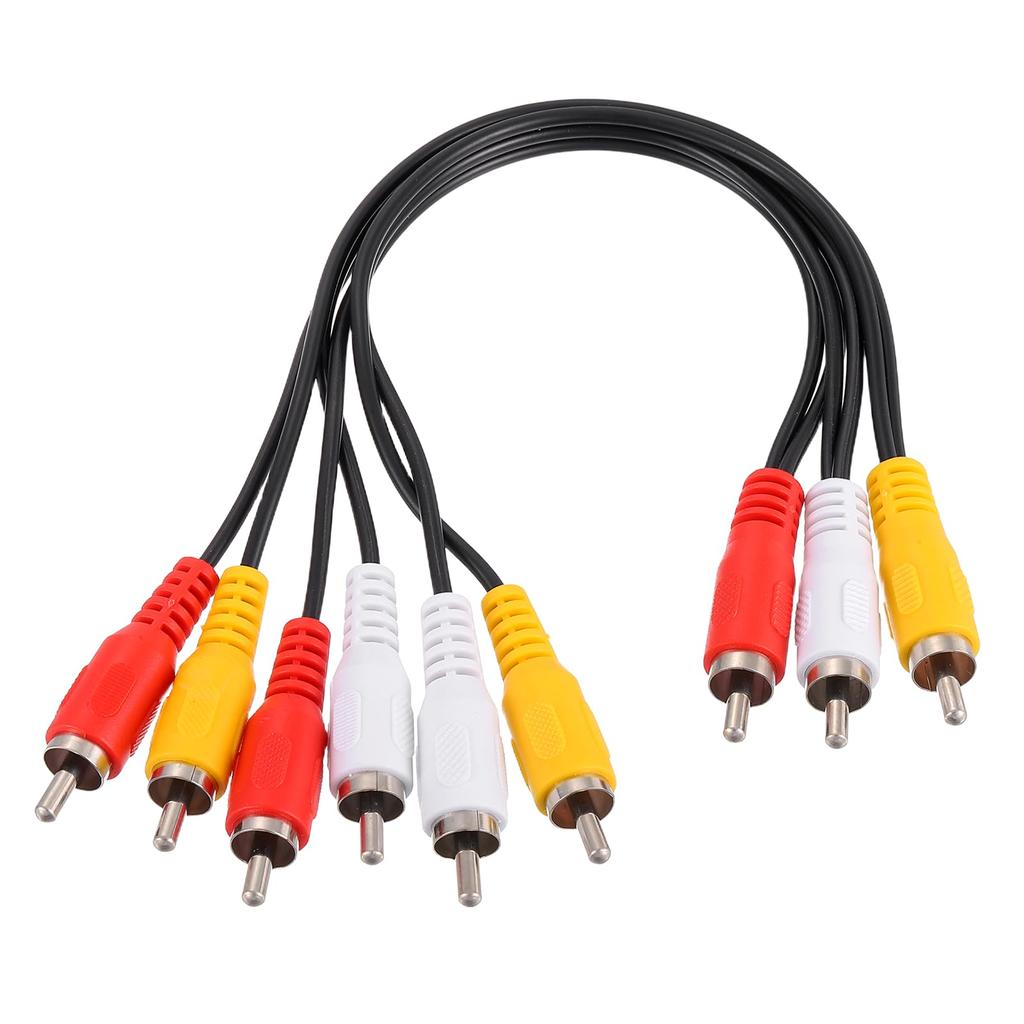
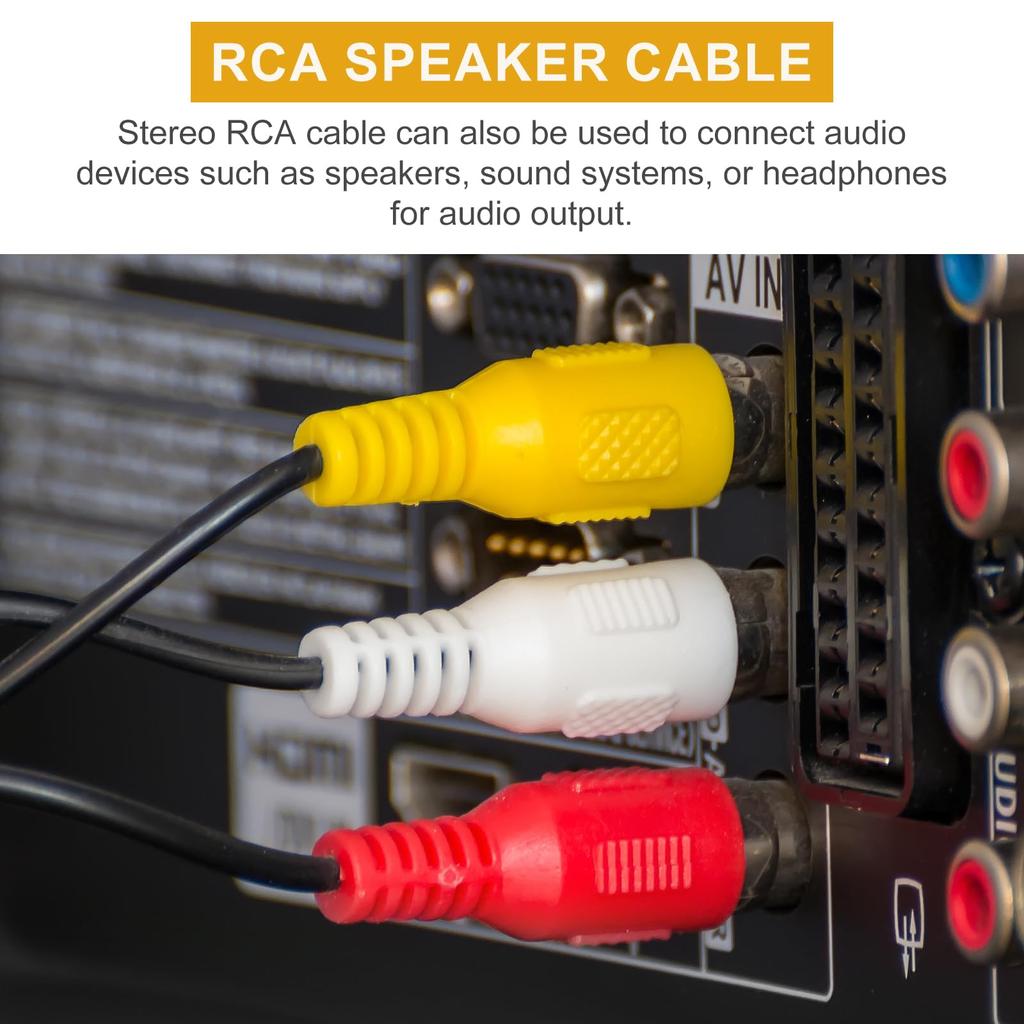
RCA cables are used to connect various video and audio equipment. AV splitter cables can be used to connect DVD players, game consoles, satellite receivers, and other devices to a home theater system. RCA audio cables can also be used to connect security cameras. Multiple security cameras can be connected to a monitor or VCR using RCA-RCA cables. Stereo RCA cables can also be used to connect audio equipment such as speakers, audio systems, and headphones.
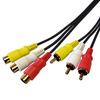
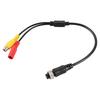
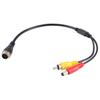
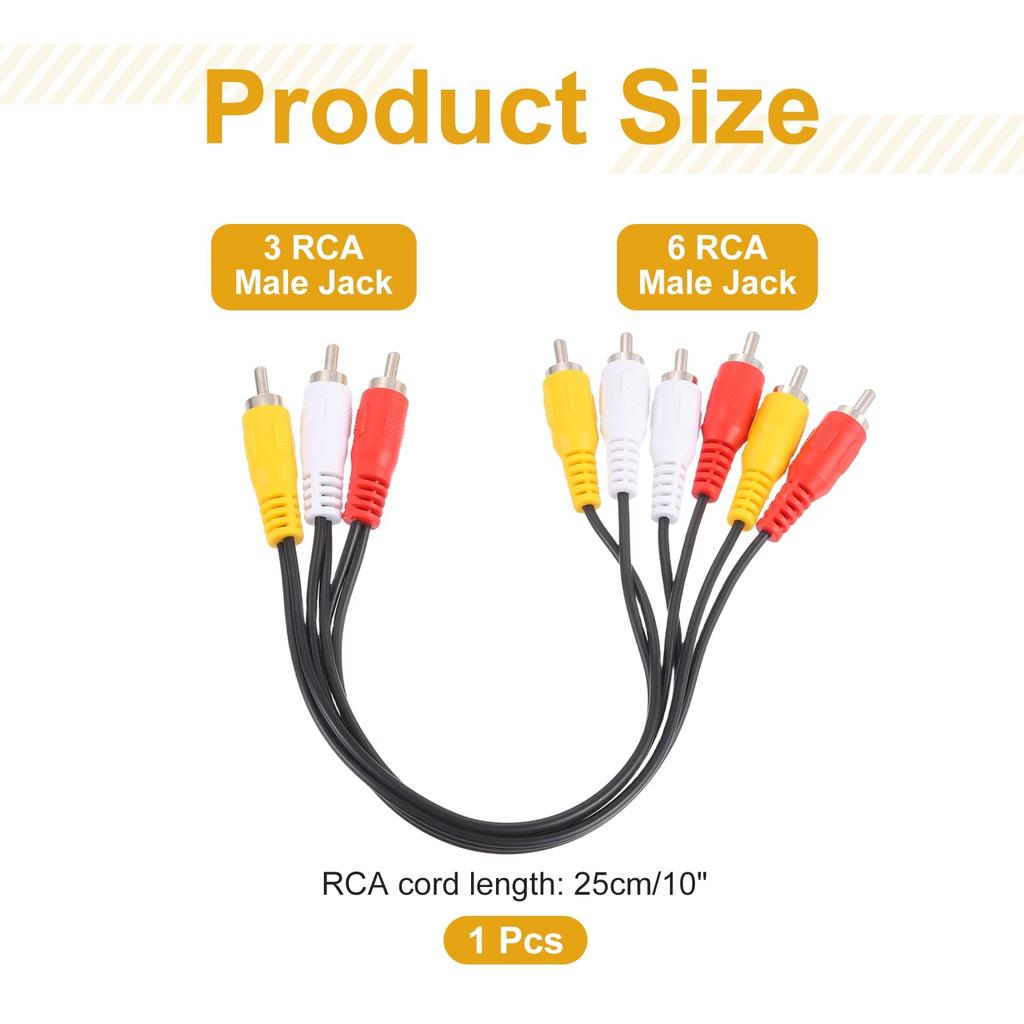
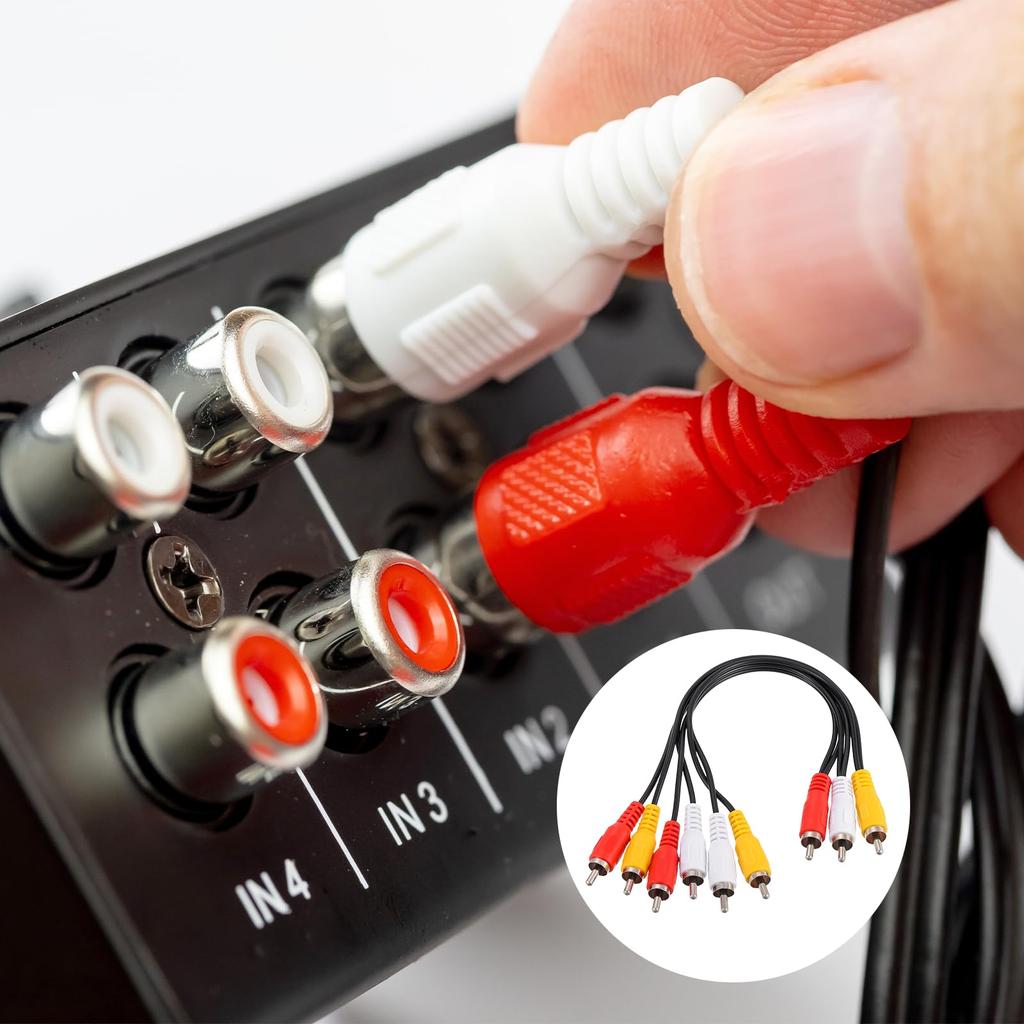
AV cable splitter, size: 3 RCA female jacks to 6 RCA female jacks, 25cm/10-inch long RCA cable.
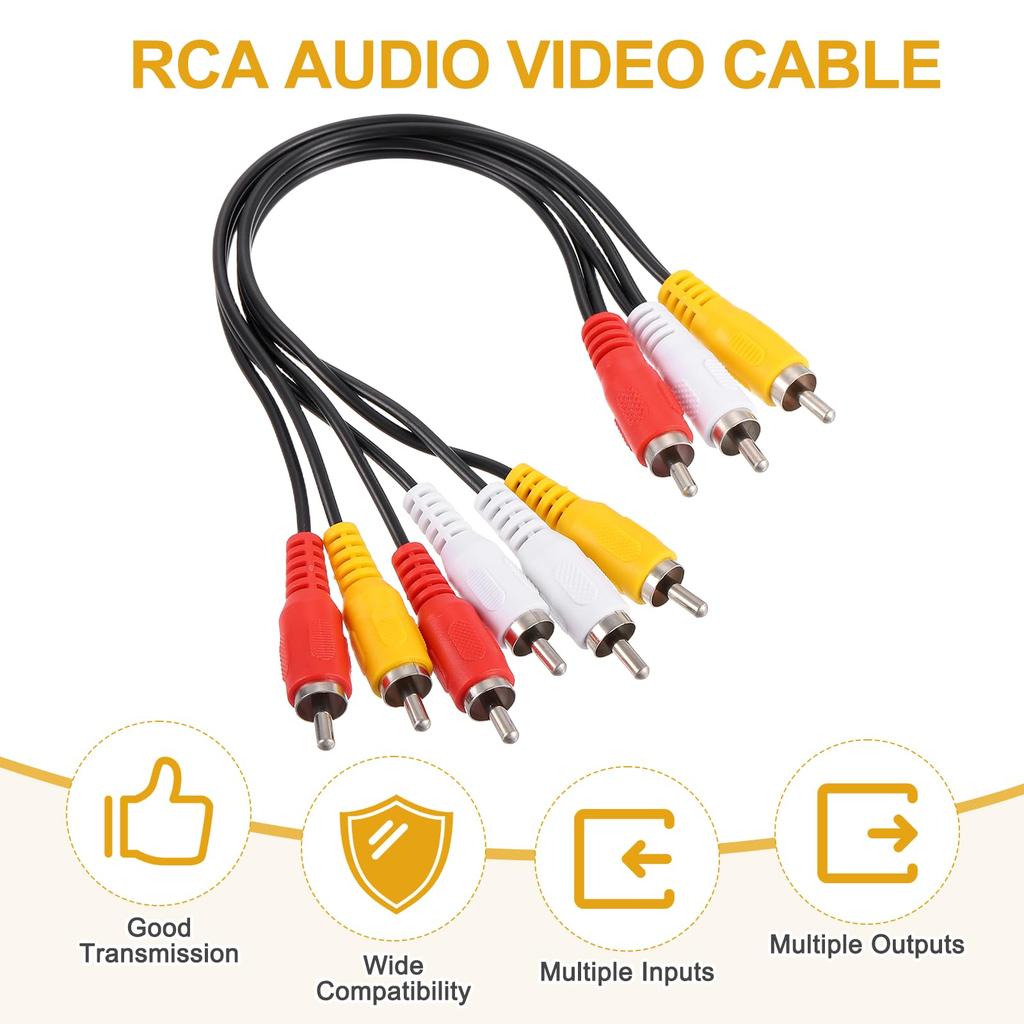
RCA cables can connect to devices with multiple RCA connectors, such as DVD players, game consoles, and cameras. RCA splitter cables have multiple RCA connectors for connecting to various AV equipment such as TVs, monitors, and VCRs. RCA cables guarantee stable transmission of audio and video signals, preventing interference and signal loss. RCA cables can be used with most standard RCA connector devices and are compatible with existing AV equipment.
1. Check the device's interface and ensure that the AV equipment you want to connect has an RCA plug interface. 2. Insert the end of the RCA AV splitter cable into the corresponding colored RCA plug interface. 3. Connect the equipment. 4. Test the signal.
1. Avoid bending or pulling RCA cables, as this may damage the wires and plugs. 2. Turn off the power to the equipment before disconnecting the connection. 3. Regularly clean the RCA plug connectors to maintain good contact.
What is this? RCA cables are used to connect various video and audio equipment. By using an AV splitter cable to connect DVD players, game consoles, satellite receivers, etc., to a home theater system, you can watch movies or play games on your TV. RCA audio cables can also be used to connect security cameras. Multiple security cameras can be connected to a monitor or VCR using RCA-RCA cables. Stereo RCA cables can also be used to connect audio equipment such as speakers, audio systems, and headphones.
Product contents: AV cable splitter, size: 3 RCA female jacks to 6 RCA female jacks, 25cm/10 inch long RCA cable.
What are the product features? Multiple inputs: RCA cables can be connected to devices with multiple RCA connectors, such as DVD players, game consoles, and cameras. Multiple outputs: RCA distribution cables have multiple RCA connectors for connecting to various AV equipment such as TVs, monitors, and VCRs. Good transmission: RCA cables ensure stable transmission of audio and video signals, preventing interference and signal loss. Wide compatibility: RCA cables can be used with most standard RCA connector devices and are compatible with existing AV equipment.
Instructions for Use: 1. Check the device interface and ensure that the AV equipment you want to connect has an RCA plug interface. 2. Insert the end of the RCA AV splitter cable into the corresponding colored RCA plug interface. 3. Connect the equipment. 4. Test the signal.
Important Notes: 1. Avoid bending or pulling the RCA cable, as this may damage the wires and plugs. 2. Turn off the power to the device before disconnecting. 3. Regularly clean the RCA plug connectors to maintain good contact.


 Vare fra Japan


 Refusjon ved manglende levering