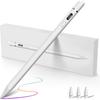
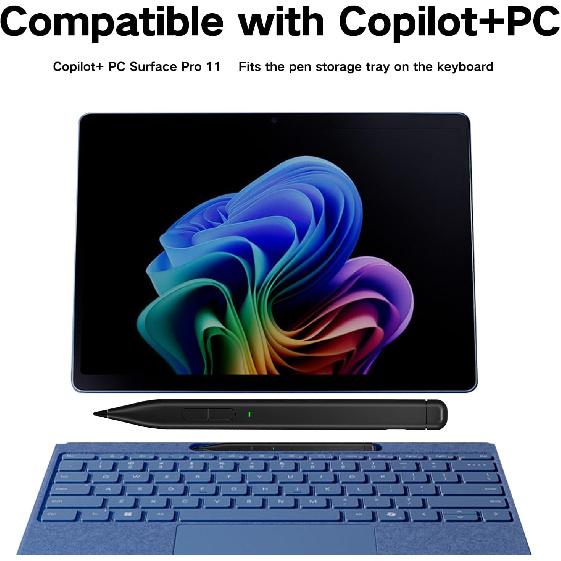
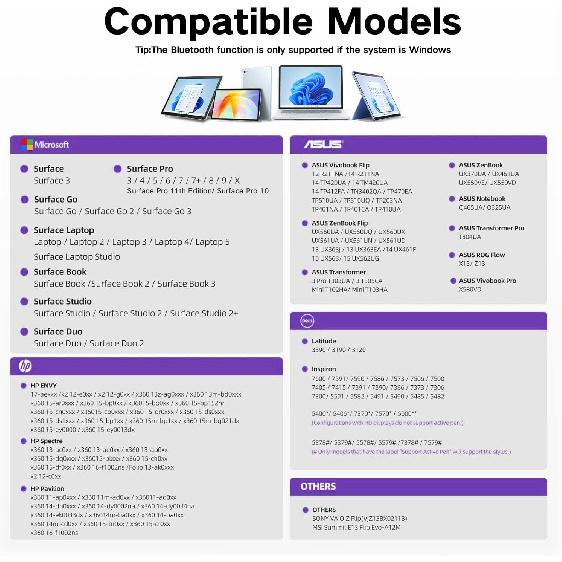
✎【Wide Compatibility 】Compatible with Copilot+ PC Surface Pro 11th Edition 2024. ❌ Please note that the Surface Laptop 7 is not compatible with this stylus. The pen is also compatible with Surface Pro 10, Surface Pro 9, Surface Pro 8, Surface Pro 7+, Surface Pro 7, Surface Pro 6, Surface Pro 5, Surface Pro 4, Surface Duo/Duo 2, Surface Pro X, Surface Go/Go 2/Go 3, Surface Book/Book 2/Book 3, Surface Studio 1st Gen, Surface Studio 2, Surface Studio 2+, Surface Laptop 1/Laptop 2/Laptop 3/Laptop 4/Laptop 5/Laptop 6, and Surface Laptop Studio.
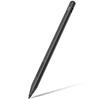
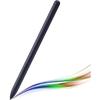
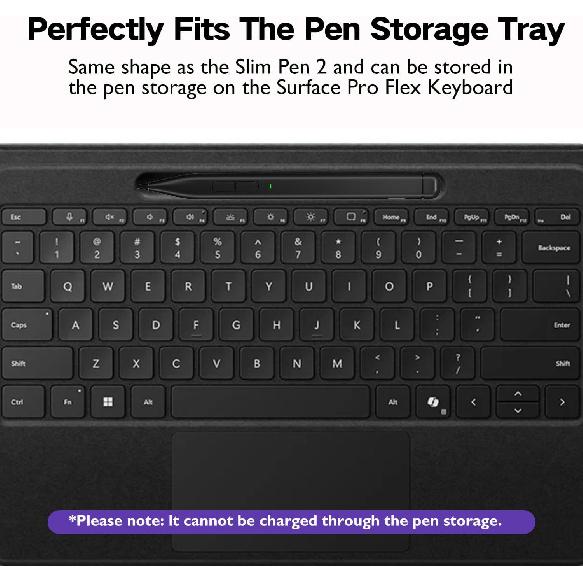
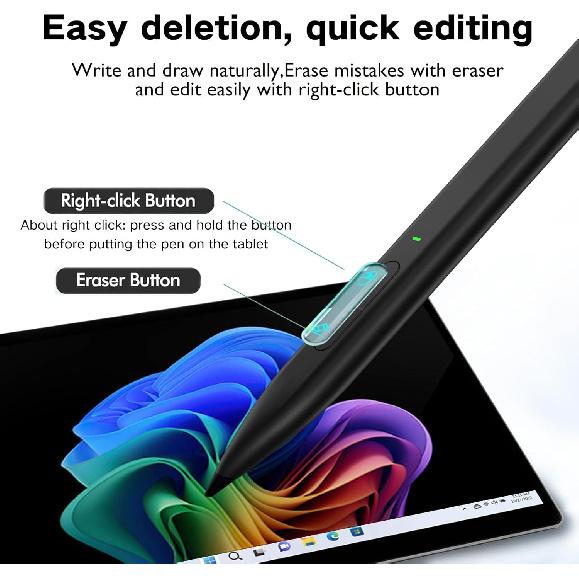
✎【Good function and Ergonomics】Perfectly Fits The Pen Storage Tray:Same shape as the Slim Pen 2 and can be stored in the pen storage on the Surface Pro Flex Keyboard . ⭕❌ *Please note the pen doesn't supported for charging via the Pen storage. Milikilo Slim Pen 2 has a flat and slim design that feels natural in hand, an eraser and a right-click button on the back that are handy and customizable. Milikilo Slim Pen 2 is designed well and will work well as a less expensive version. Nice Alternative To Microsoft Slim Pen 2.
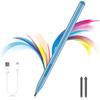
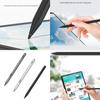
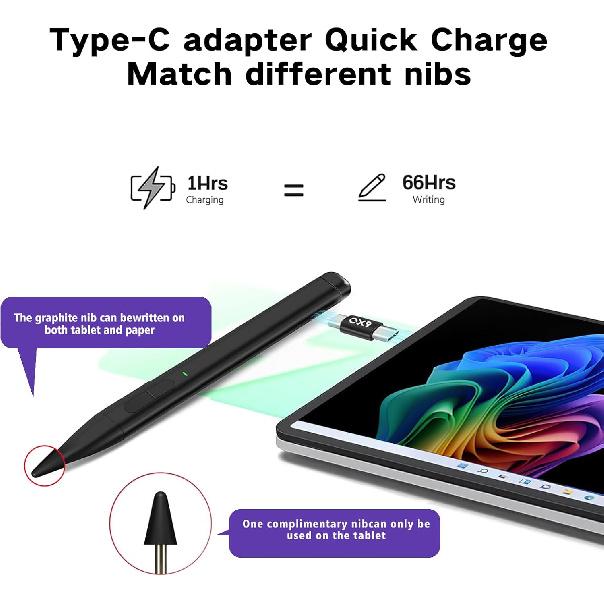
✎【Innovative Graphite Nib&Palm Rejection】You can use the graphite nib to seamlessly transition between tablets and paper.Whether you're writing on the screen or on paper, this pen delivers outstanding performance, giving you the freedom to choose your writing medium. * offers a dual-use graphite nib and a screen-only nib. 1 pen 2 using, don't worry about changing pens and losing your inspiration.Capture ideas instantly. Palm rejection rests your hand comfortably on the screen while writing or drawing,and no breaking points when writing either.
✎【Tilt Sensitivity & 4096 Pressure Sensitivity Supported】MPP 2.0 Technology helps to precisely sketch and shade with 4,096 pressure sensitivities that respond to the lightest touch.With tilt sensitivity allows the artists to shade just like a real pencil when the stylus is tilted at an angle. *Tilt sensitivity compatibility is subject to the apps and pen brushes.
✎【Quick Charge 🔋 Longer Standby】Enjoying Milikilo's two sided usb-c adapter to charge it from the device if needed. Milikilo Slim Pen 2 only takes 1 hour to fully charge for 66 hours of battery life. Long battery using,focus on writing and drawing,improve productivity. Automatically turn on"Sleep Mode" if idle for 10 minutes to save power,Press any key to resume work. Perfect for Drawing, studying, playing games, working etc.
✎【Bluetooth Shortcut Button】The Milikilo Slim Pen, much like the Microsoft Slim Pen 2, features a Bluetooth shortcut button at the end of the pen. With this button, you can execute different commands through a single click, double-click, or long press. Customize the tail button's commands in Windows through "Pen & Windows Ink" to suit your preferences. *Before using, please hold down the tail button for five seconds to enter pairing mode and then connect it with your device.
Product Dimensions: 5.4 x 0.46 x 0.46 inches
Item Weight: 0.399 ounces
ASIN: B0CQW2F5QR
Item model number: X1PRO
Batteries: 1 Lithium Polymer batteries required. (included)
Customer Reviews: 3.5 out of 5 stars
Date First Available: December 24, 2023
Manufacturer: Milikilo
Country of Origin: China





 Teslim edilmediğinde para iadesi