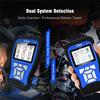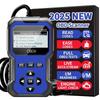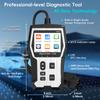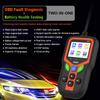
Motorcyle OBD2 Scanner Universal Code Reader BatteryTester Diagnosis Tool JDM100


 Ingen leveringsrefusionKvalitetsgarantiSikker logistikPrivatlivsbeskyttelse
Beskrivelse
Motorcyle OBD2 Scanner Universal Code Reader BatteryTester Diagnosis Tool JDM100
Motorcycle Diagnostic Tool M100 Standard Version Motorbike Scanner
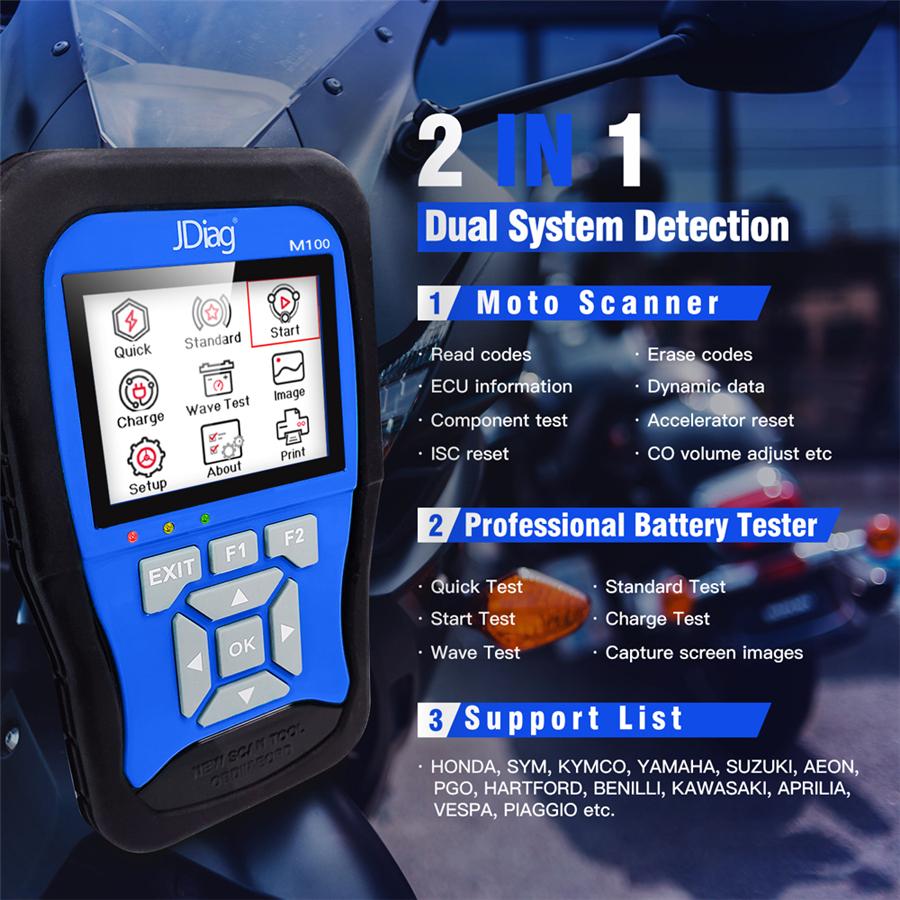
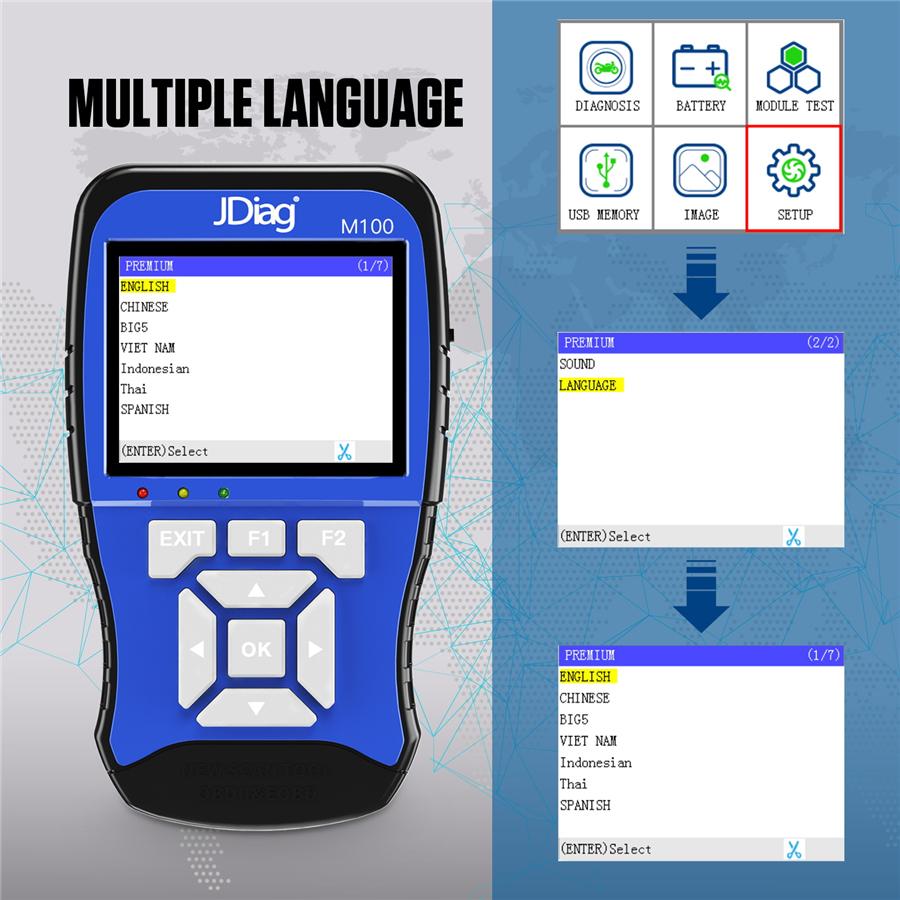
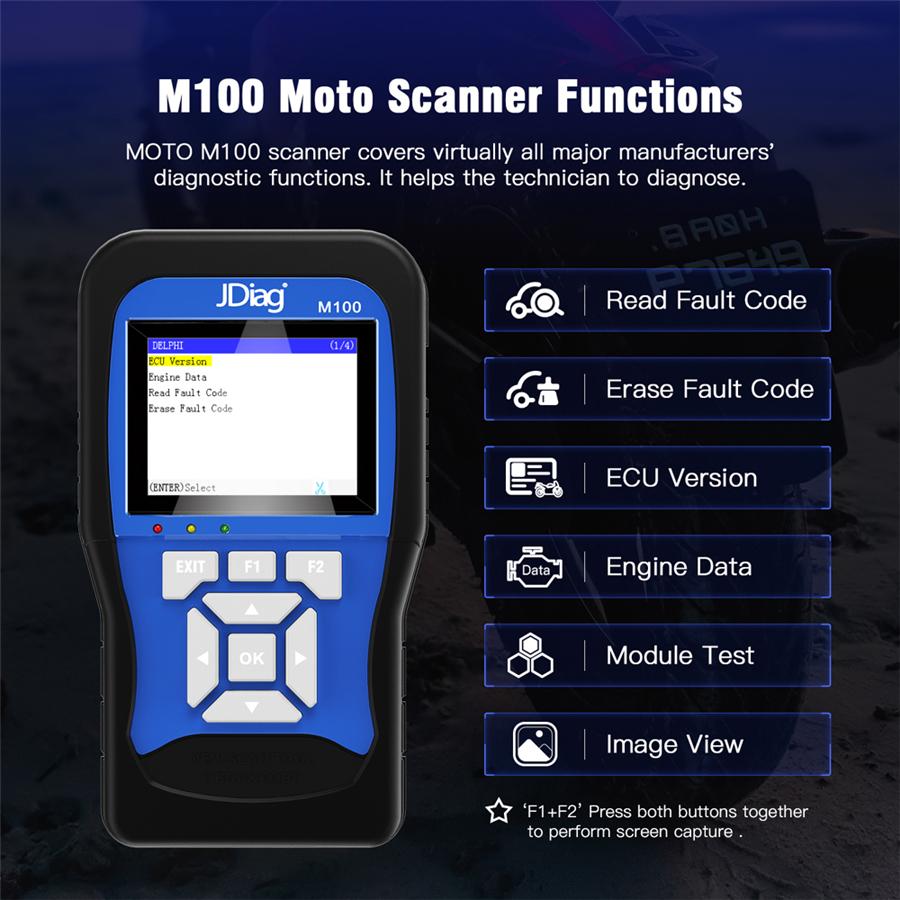
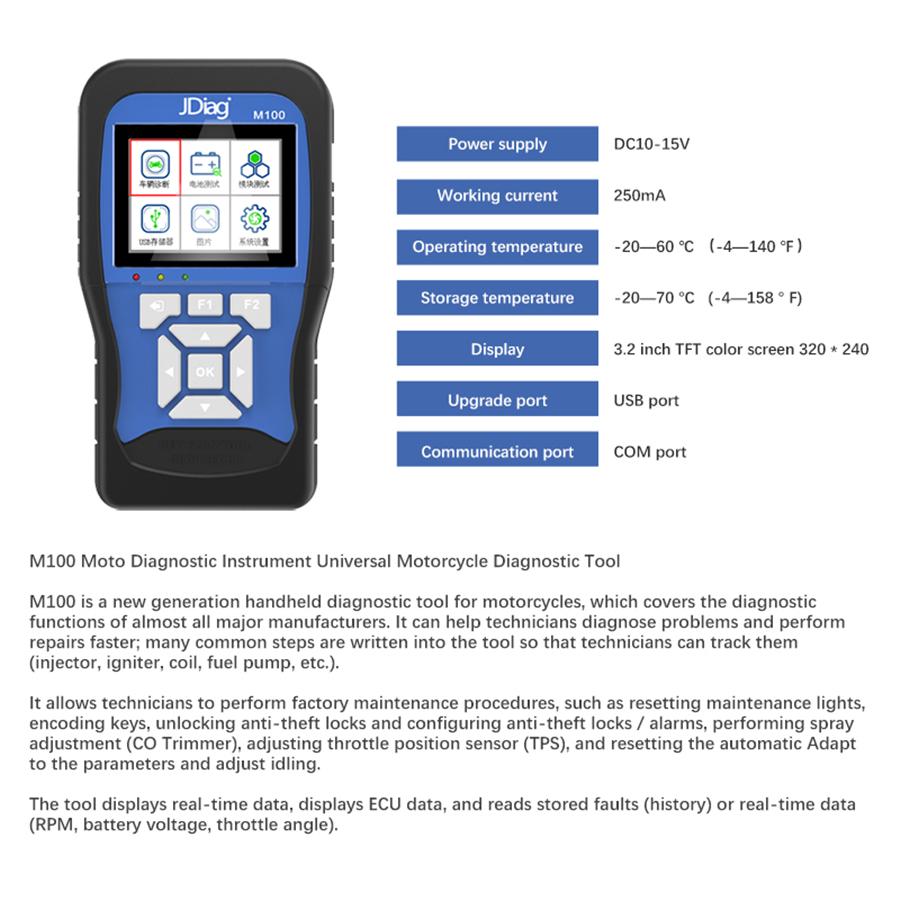
M100 Moto Scanner is the new generation Handheld Motorcyle diagnostics tool, it covers virtually all major manufacturers' diagnostic functions. It helps the technician to diagnose problems and make repairs faster;many common procedures are written into the tool so the technician can follow them (injectors, ignition, coils, fuel pump, etc.). It allows the technician to perform factory service procedures such as re-setting the service light, encoding keys, unlocking the immobilizer and configuring the immobilizer/alarm, making injection adjustments (COTrimmer), adjusting the throttle valve position sensor(TPS),re-setting auto adaptive parameters, and making idling adjustments. The tool shows live data, displays ECUdata, reads stored faults(history) or live data (RPM,batteryvoltage,throttleangle). Support Languages: English , Spanish ,Chinese, Thai, Indonesian, Vietnamese, Malay.
Support Motorcycle list: Hartford, Aeon, Honda, SYM, Yamaha, Suzuki, Kymco, Kawasaki, Piaggio, PGO, , etc.
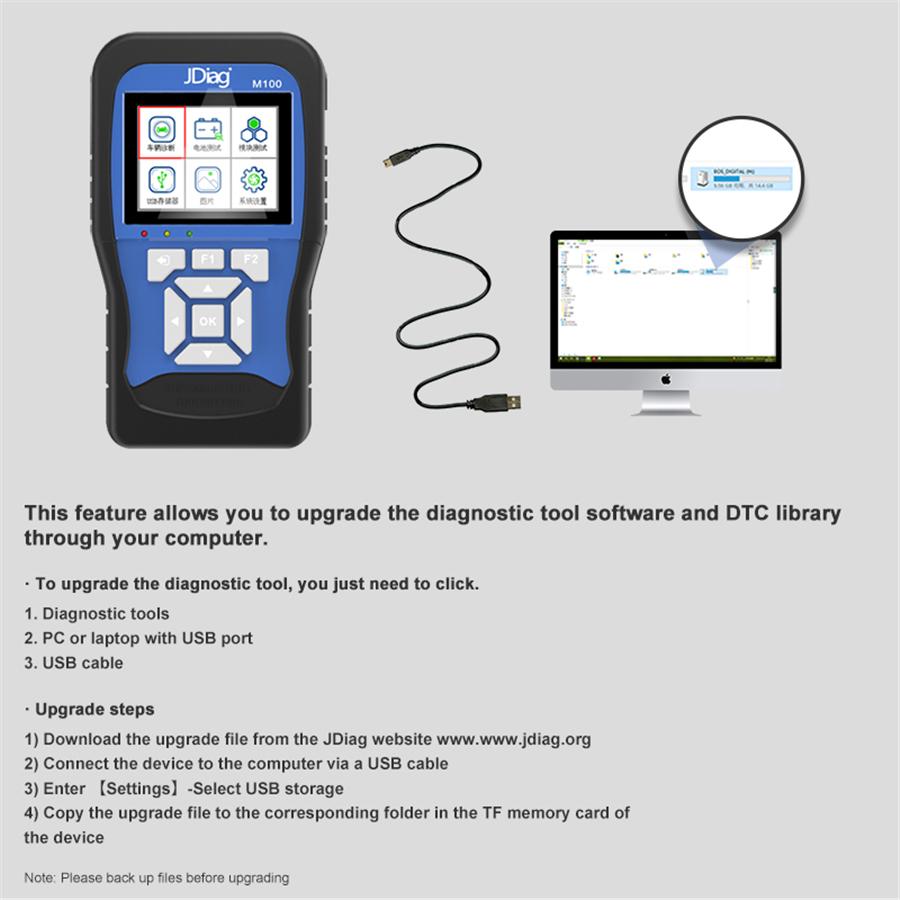
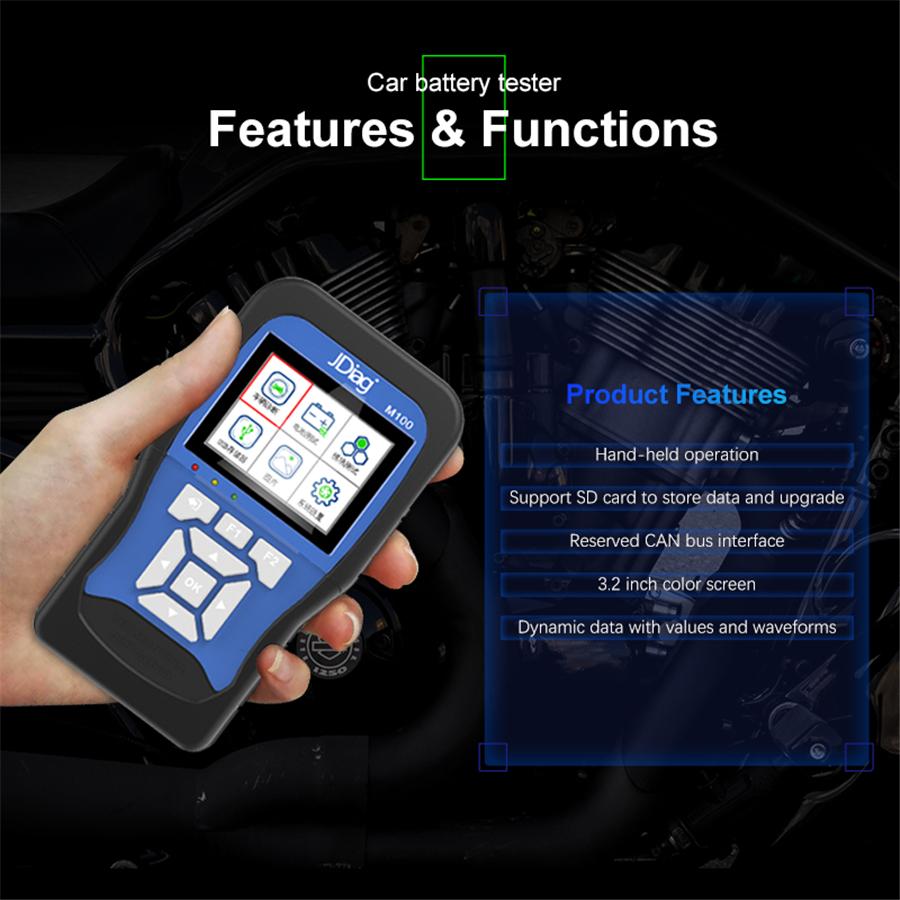
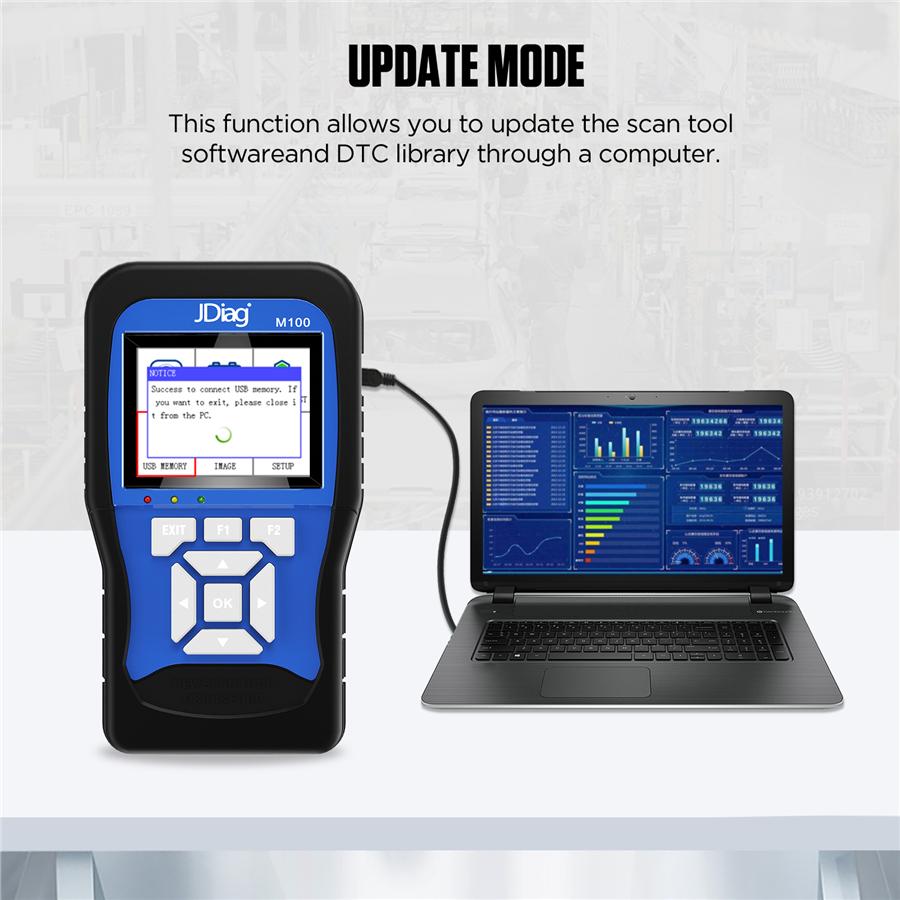
Function: 1. Read system information 2. Read data stream 3. Read fault code 4. Erase fault code 5. Freeze data 6. CO idle speed adjustment 7. Actuators test 8. ABS system test 9. Trouble shooting guidance 10. Tire pressure system test 11. Anti-theft system test Features: 1. Handheld operation, convenient and flexible to use. 2. Support for SD cards to store data and upgrades. 3. Reserved CAN bus interface. 4. 3.2-inch color screen, clear display. 6. Dynamic data with numerical and waveform. Specifications: Power: DC10-15V Operating Current: 250mA Storage temperature: -10 C to 85 C Operating temperature: 0 C to 70 C Humidity: <90% Upgrade Ports: USB port Communication ports: COM port
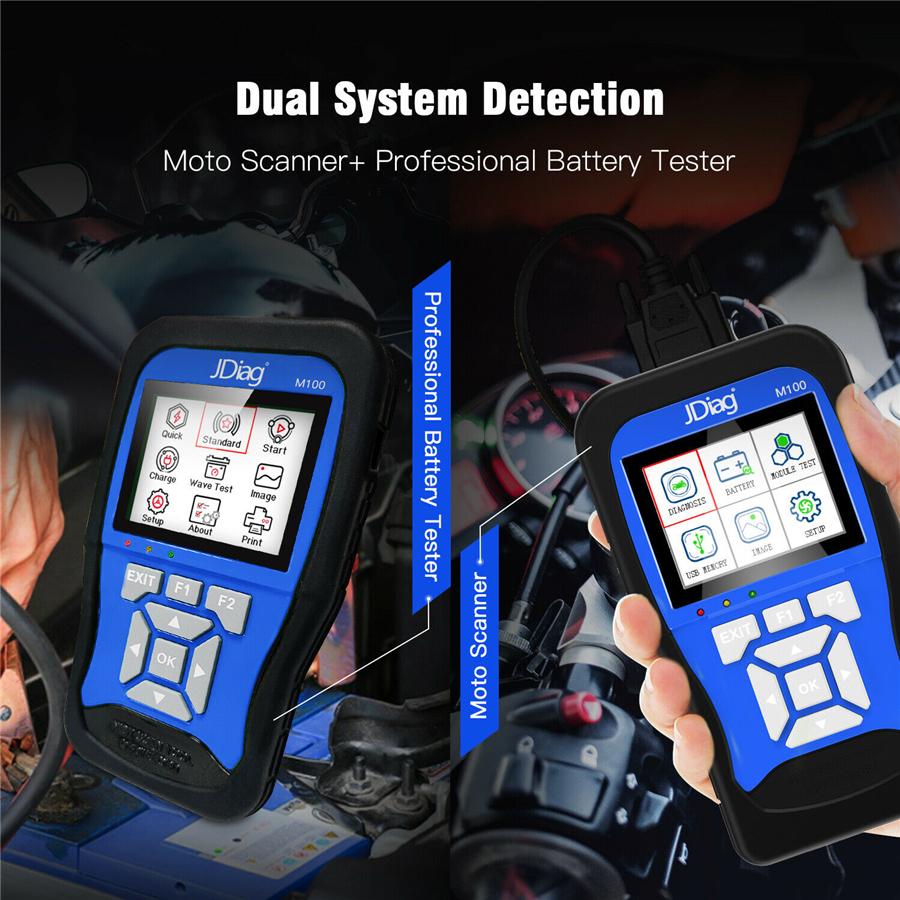
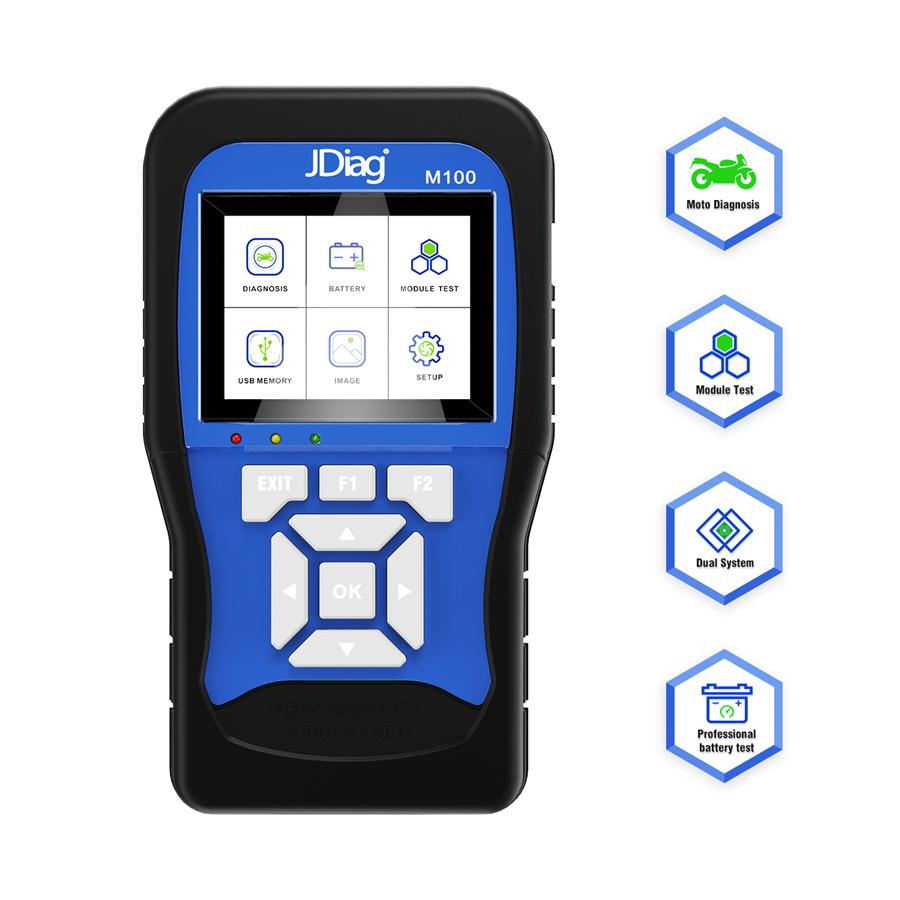
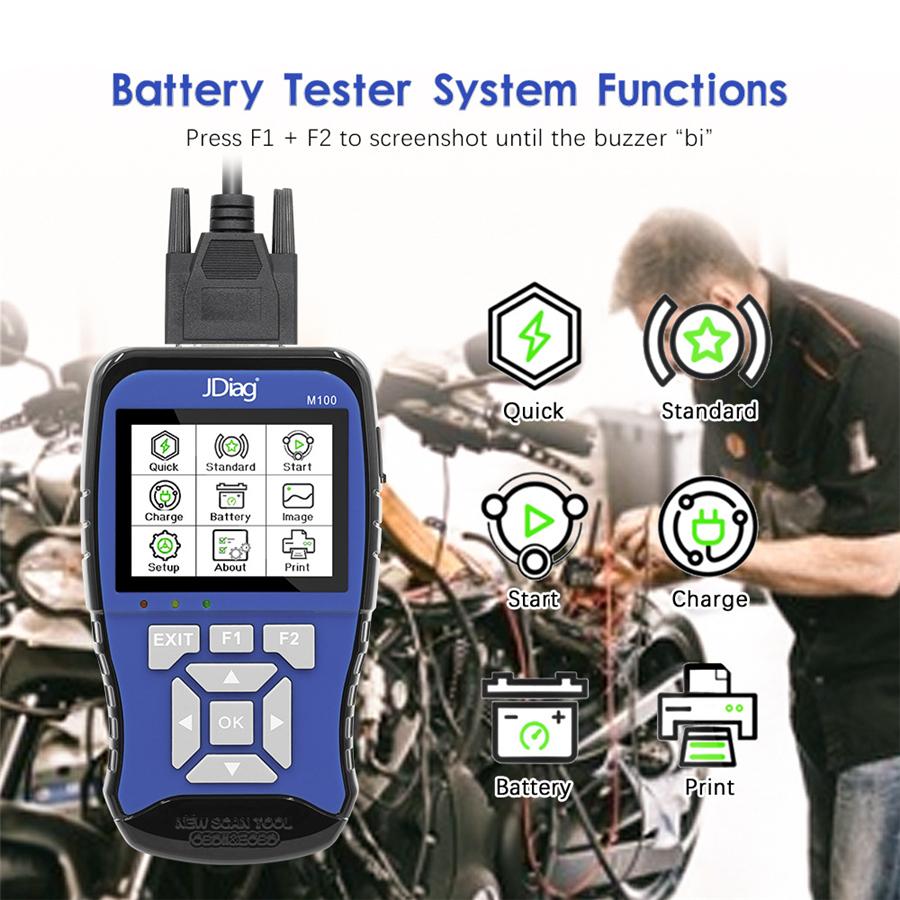
4. Tool Description 1). OBDII Connector - Connects the scan tool to the vehicle's data link connector- DLC 2). LCD Display - Displays menus and test results. 3). Green LED - indicates that engine System are running normally , The number of monitors on the vehicle which are active and performing their diagnostic testing is in the allowed limit, and no DTCs are present. 4). Yellow LED - indicates there is a possible problem , A Pending DTC is present or some of the vehicle's emission monitors have not run their diagnostic testing. - 4 -- 5 - 5). Red LED - indicates there is a problem in one or more of the vehicle's system , The Red LED is also used to show that DTCs are present , DTCs are shown on the scan tools emission monitors have not run their diagnos tic testing. 6). EXIT BUTTON - Return to previous menu. 7). F1 BUTTON - Provides help information and Code Breaker function. 8). F2 BUTTON - Backspace function . 9). LEFT SCROLL BUTTON - Move cursor left for selection or turn page up when more that one page is displayed. 10). UP SCROLL BUTTON - Move cursor up for selection. 11). OK BUTTON - Confifirms a selection or action from a menu list. 12). RIGHT SCROLL BUTTON - Move cursor right for selection, or turn page down when more than one page is displayed. 13). DOWN SCROLL BUTTON - Move cursor down for selection. 14). + - Press both buttons together to perform screen capture . 15). USB CNNECTOR - Connects the scan tool to the PC for printing and upgrading.
Package List: As picture show